A Practical Guide to Risk Based Testing for Modern QA Teams
Implement risk based testing to focus your QA efforts. Learn a step-by-step process to identify, prioritize, and automate tests for critical user flows.
Discover the 12 best AI test automation tools to accelerate your QA workflows. Compare features, pricing, and find the right fit for your team today.
Automate and scale manual testing with AI ->
In the search for faster, more reliable software releases, quality assurance teams are increasingly turning to AI test automation tools. Traditional test scripts are brittle, time-consuming to maintain, and often fail to catch visual regressions or complex user-flow issues. Modern AI-driven platforms address these challenges head-on by simplifying test creation, enabling self-healing tests that adapt to UI changes, and using intelligent visual analysis to ensure application integrity. This shift allows QA engineers and developers to focus on building robust features instead of constantly fixing broken tests.
This guide provides a comprehensive, comparative analysis of the leading AI test automation tools available today. We’ll move beyond marketing jargon to offer an honest assessment of each platform’s strengths, weaknesses, and ideal use cases. You’ll find practical insights, screenshots, and direct links to help you evaluate which solution best fits your team’s workflow, technical stack, and budget. Whether you’re an SDET looking to reduce maintenance overhead or an engineering manager aiming to scale quality, this list is your starting point for making an informed decision. To lay a strong foundation for your QA initiatives, understanding smarter automated testing strategies is key before diving into tool selection.
TestDriver emerges as a powerful and well-rounded choice in the landscape of AI test automation tools, transforming how modern software teams approach quality assurance. It operates as an AI-driven QA agent that ingeniously converts simple, plain-language prompts into fully executable end-to-end tests for web applications. This core capability allows teams to rapidly generate comprehensive test suites for complex user flows without the traditional overhead of manual scripting.
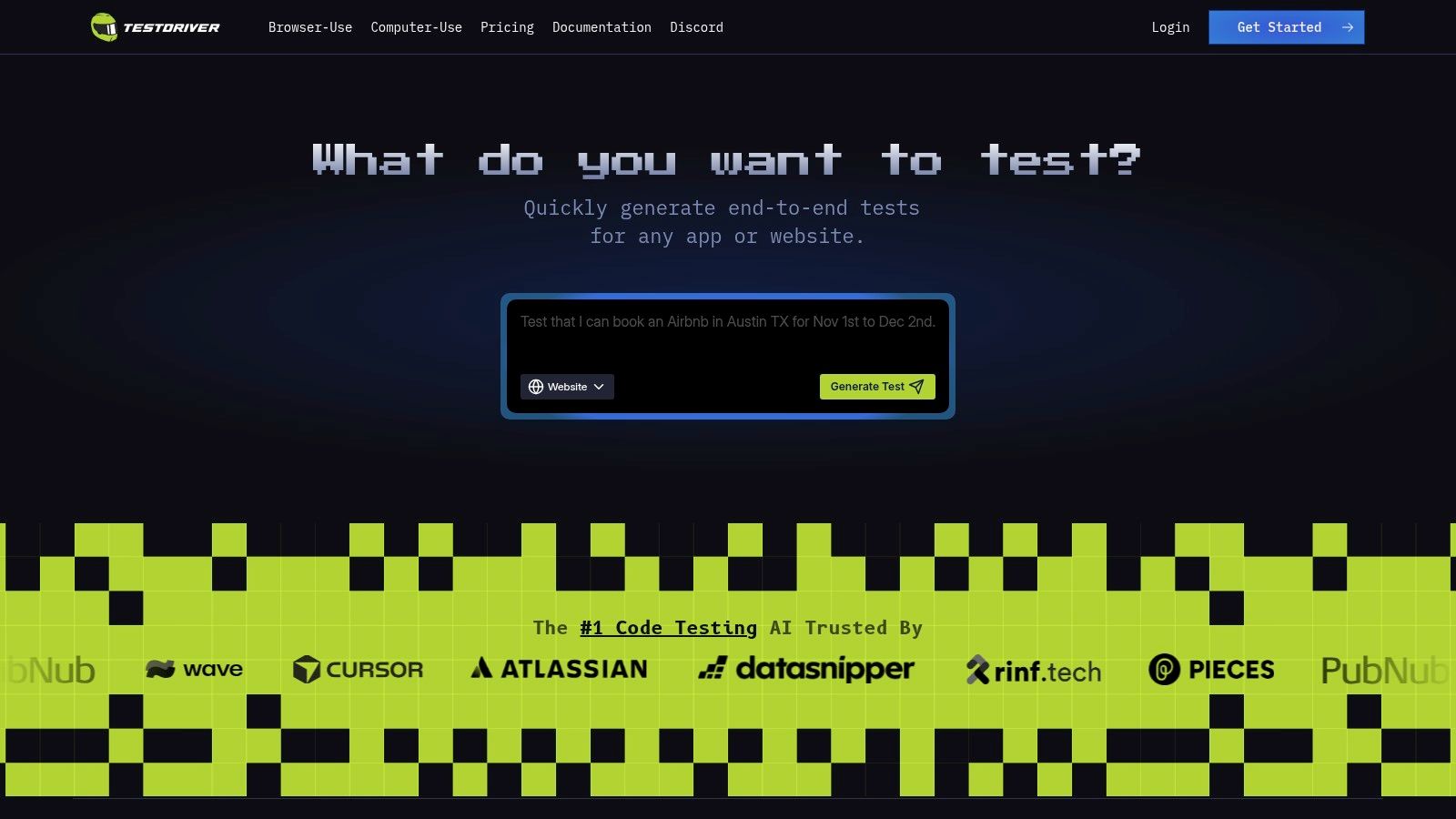
The platform is meticulously designed to integrate seamlessly into existing developer workflows, making it a practical tool for QA engineers, SDETs, and developers alike. Its emphasis on operational transparency, demonstrated by public uptime reports and a clear product roadmap, builds significant trust and reliability.
TestDriver excels at accelerating the feedback loop between development and QA. A developer can write a single prompt describing a new feature’s user journey, and the AI generates the necessary browser-based tests. This allows for immediate validation and regression checks, fitting perfectly into CI/CD pipelines.
“TestDriver bridges the gap between high-level user intent and executable code, allowing teams to achieve broader test coverage with a fraction of the typical effort and time investment.”
While TestDriver dramatically reduces scripting time, its AI-generated tests may still require human oversight for highly complex or ambiguous edge cases. For teams working with native mobile or desktop applications, additional configuration may be needed, as its primary strength lies in web-based testing. Pricing is transparently listed on their website, allowing teams to evaluate costs based on their specific scale and needs.
| Feature Analysis | Assessment |
|---|---|
| Ease of Onboarding | Excellent. Clear documentation and strong community support make setup straightforward for any team. |
| CI/CD Integration | Strong. Designed for easy integration into standard developer workflows and automation pipelines. |
| Test Maintenance | Reduced. AI helps adapt to minor UI changes, though significant updates may require prompt adjustments. |
| Operational Trust | High. Public roadmap, uptime stats, and active community channels foster transparency and confidence. |
Website: https://testdriver.ai
Applitools stands out as one of the most mature ai test automation tools, built around its powerful Visual AI engine. While traditionally known for its ‘Eyes’ product, which intelligently detects visual regressions that functional tests miss, its ‘Autonomous’ platform now adds agentic test creation and maintenance. This dual offering allows teams to automatically generate and repair tests while also ensuring pixel-perfect UI rendering across all browsers and devices, significantly reducing false positives from minor, inconsequential changes.
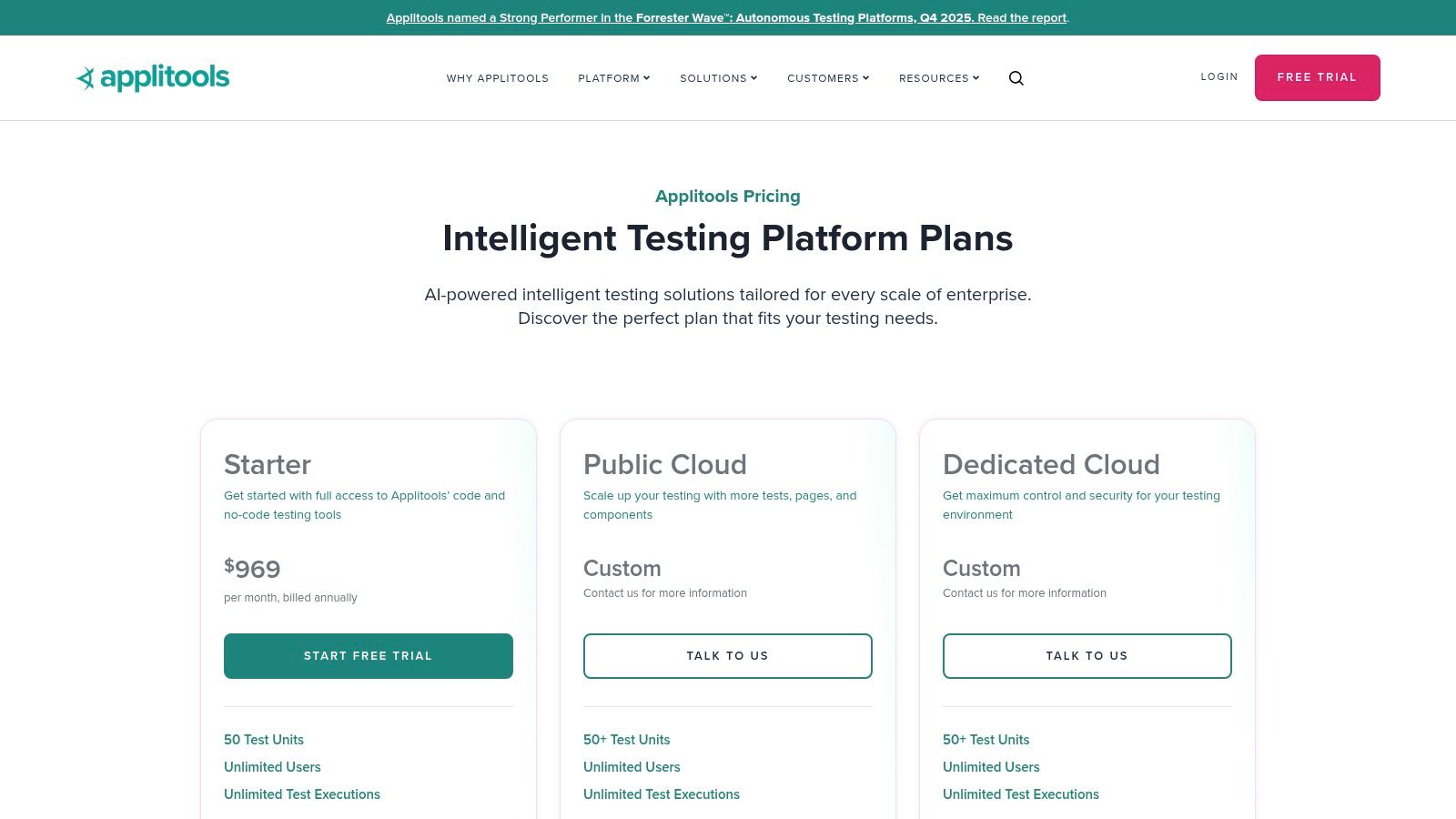
This platform is particularly effective for enterprises that require robust, scalable solutions. Its enterprise-grade features, such as SSO integration and private cloud deployment options, provide the security and control large organizations need. Applitools’ generative AI capabilities also align with modern development practices, which you can explore further in this article about how generative AI enhances autonomous testing.
Website: https://applitools.com/
Tricentis Testim excels as one of the more versatile ai test automation tools, offering a low-code platform that accelerates test creation and maintenance for enterprise applications. Its AI engine powers self-healing tests by using smart locators that automatically adapt to application changes, significantly reducing the flakiness often associated with UI testing. The platform also enables agentic test creation, allowing teams to generate automated test steps from plain English descriptions, which streamlines authoring for both technical and non-technical users.
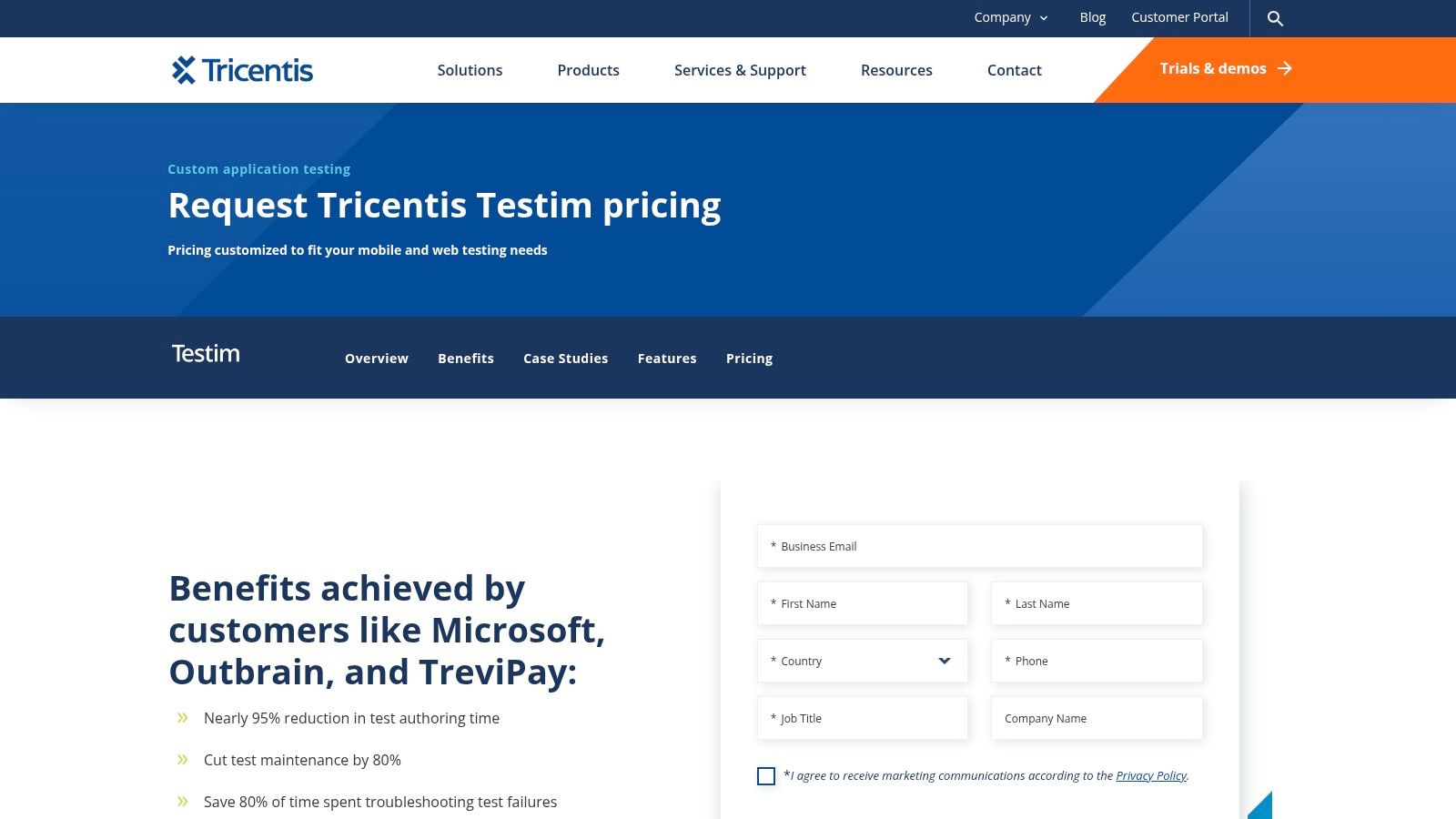
This tool is especially powerful for organizations working with complex systems like Salesforce, offering specialized coverage and pre-built components to handle unique elements. By integrating TestOps and CI/CD support, Testim helps teams embed quality directly into their development lifecycle. Its advanced root-cause analysis features provide clear, actionable insights into failures, saving developers and QA engineers valuable debugging time and accelerating release cycles.
Website: https://www.tricentis.com/products/test-automation-web-apps-testim/pricing?utm_source=openai
mabl positions itself as an intelligent, low-code platform for end-to-end testing, consolidating multiple test types to reduce tool sprawl. As one of the more comprehensive ai test automation tools, it leverages generative AI for test creation and maintenance, featuring robust auto-healing capabilities that adapt to UI changes. The platform extends beyond functional testing to include built-in API, accessibility, performance, and cross-browser testing, making it a unified solution for quality engineering teams.
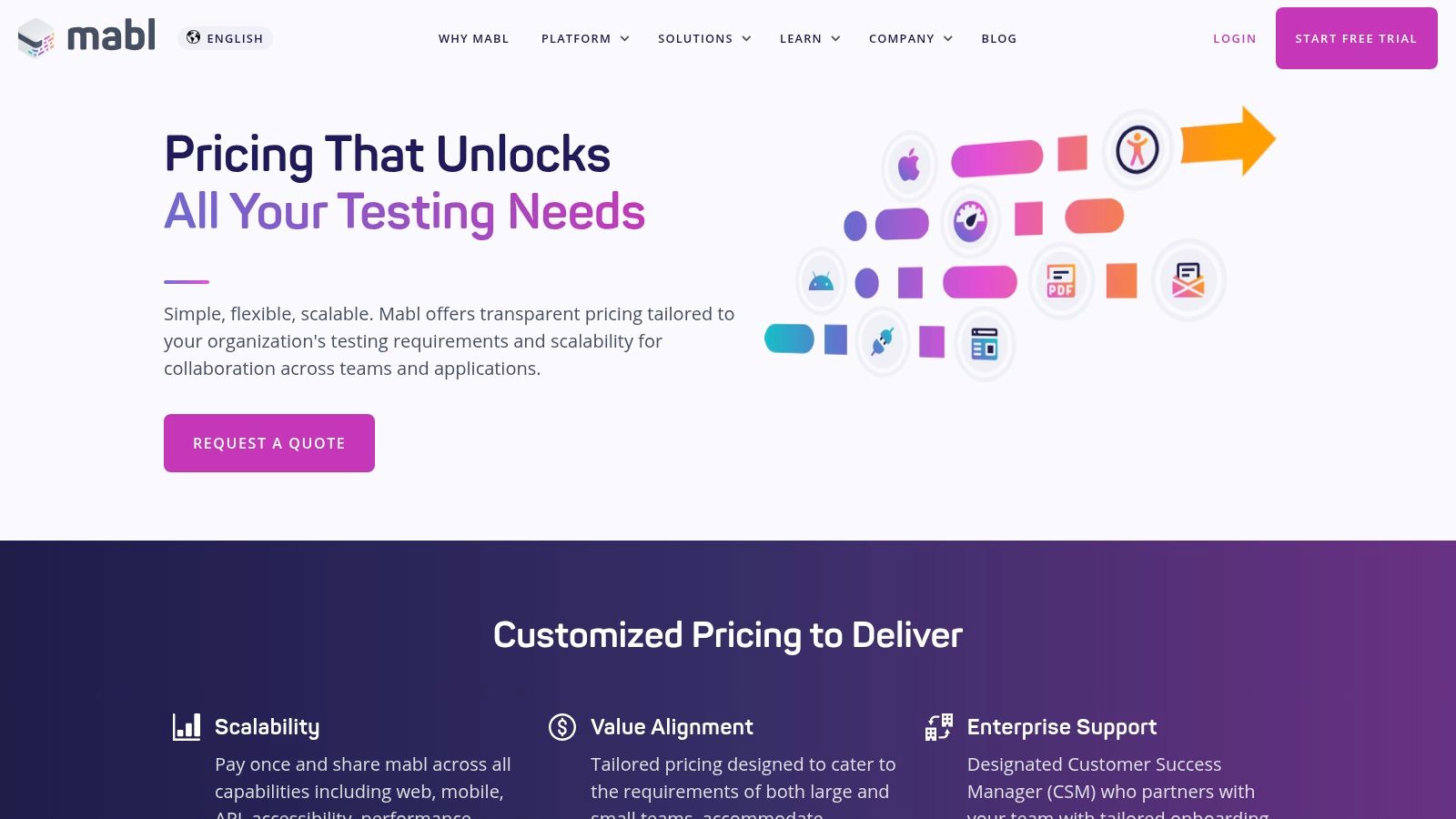
This integrated approach is ideal for organizations aiming to streamline their quality processes and improve release velocity. mabl’s emphasis on deep integrations with CI/CD pipelines, Jira, and Slack ensures that testing is embedded directly into the development workflow. The value-based packaging, which uses a credits model, offers flexibility for teams to scale their testing efforts based on actual usage, from local runs to cloud concurrency.
Website: https://www.mabl.com/pricing?utm_source=openai
Functionize is an AI-native testing platform built for enterprise scale, focusing on reducing test maintenance through powerful self-healing capabilities. It allows teams to author tests in plain English using natural language processing (NLP) and employs an agent-based system for autonomous test creation, execution, and diagnosis. The platform’s deep element intelligence and machine learning models are designed to understand application changes and adapt tests automatically, making it one of the most resilient ai test automation tools for complex, dynamic applications.
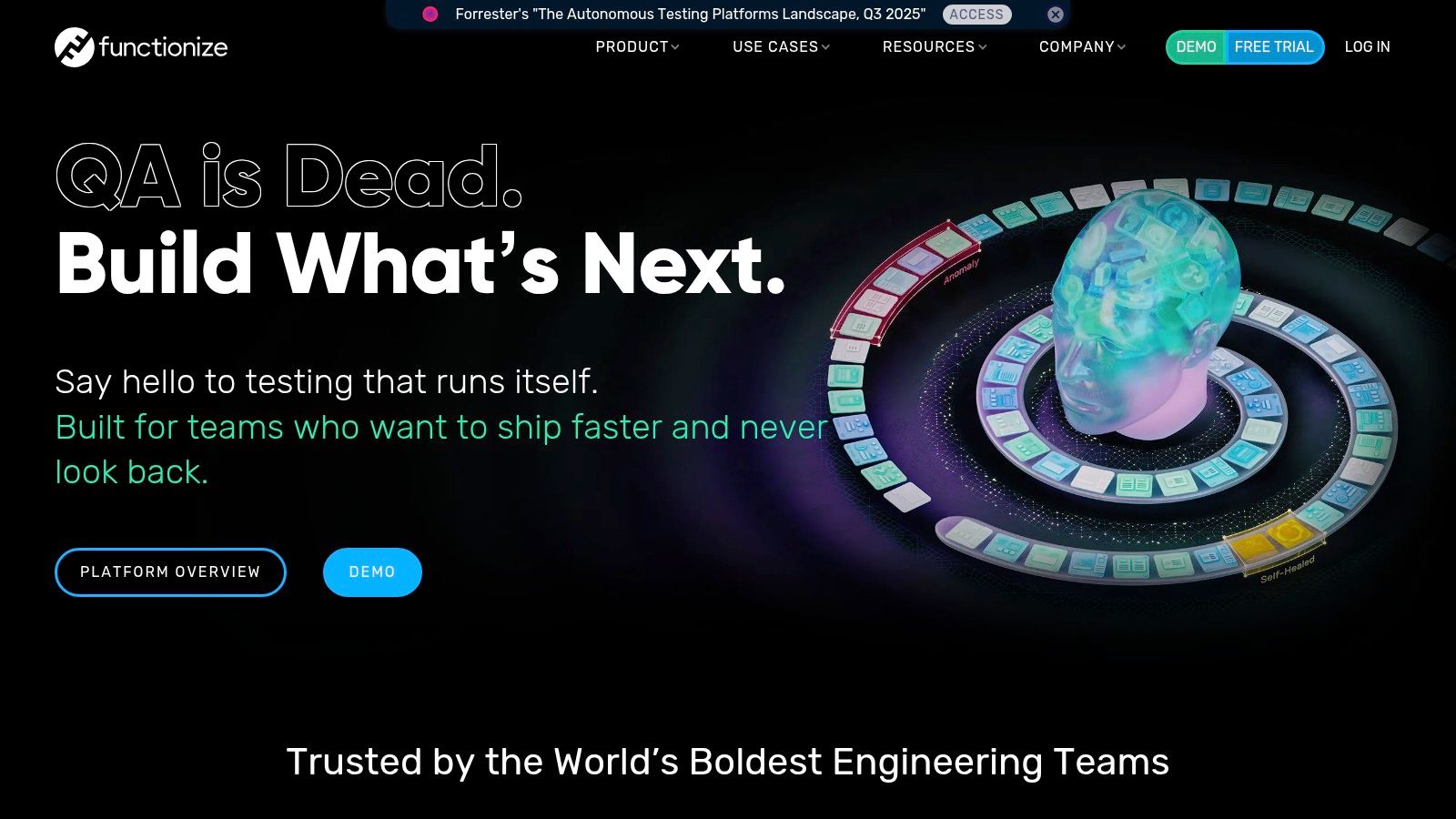
Its architecture is optimized for massive parallel execution in the cloud, enabling teams to run thousands of tests simultaneously across various browsers and devices. Functionize also provides comprehensive training and certification programs, ensuring teams can fully leverage its advanced features. This focus on enterprise readiness, from security to support, makes it a strong contender for large organizations looking to scale their quality assurance efforts without being overwhelmed by test flakiness and maintenance overhead.
Website: https://www.functionize.com/?utm_source=openai
Katalon Platform is a comprehensive solution that bridges the gap between low-code and full-code automation, making it one of the more versatile ai test automation tools available. It empowers teams with AI-assisted test authoring, including a self-healing mechanism that automatically updates broken locators to reduce maintenance overhead. The platform provides end-to-end coverage across web, mobile, and API testing, ensuring teams can standardize their quality engineering practices on a single toolset.
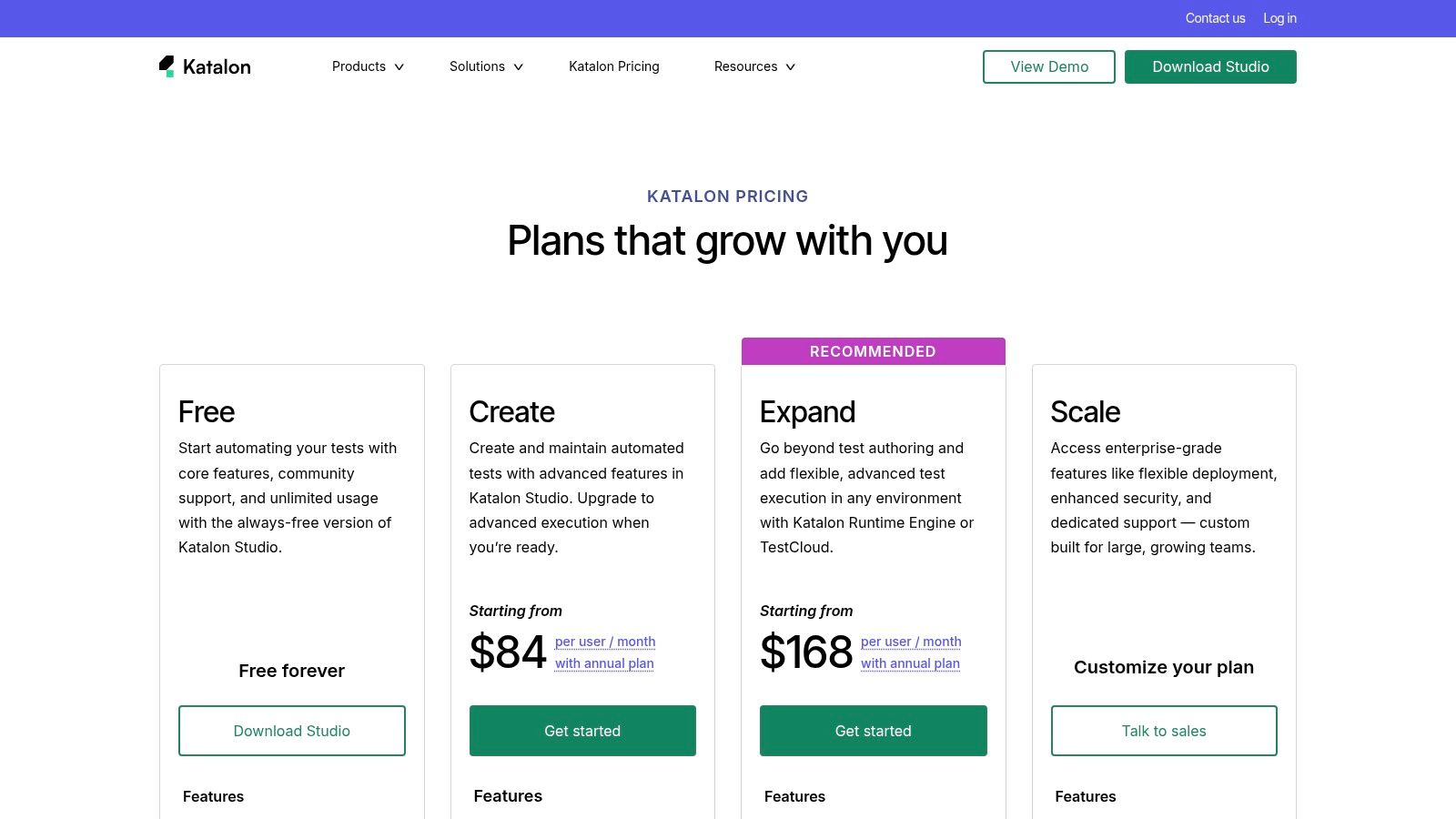
This unified approach is ideal for organizations with mixed-skill teams, as manual QA testers can use the low-code interface while experienced SDETs can dive into the full-code scripting environment. With flexible execution options via its TestCloud and Runtime Engine, Katalon supports scalable CI/CD integration. Its extensive ecosystem, complete with the Katalon Academy and detailed documentation, offers robust support and learning resources, helping teams adopt and scale their automation efforts effectively.
Website: https://katalon.com/pricing?utm_source=openai
Testsigma positions itself as an AI-powered, low-code platform designed to unify web, mobile, and API testing under one roof. Its core strength lies in making test automation accessible to everyone on the team, regardless of their coding expertise. The platform leverages AI for intelligent test creation, self-healing maintenance to automatically fix broken tests, and a GenAI ‘Copilot’ to accelerate authoring, making it one of the more comprehensive ai test automation tools available.
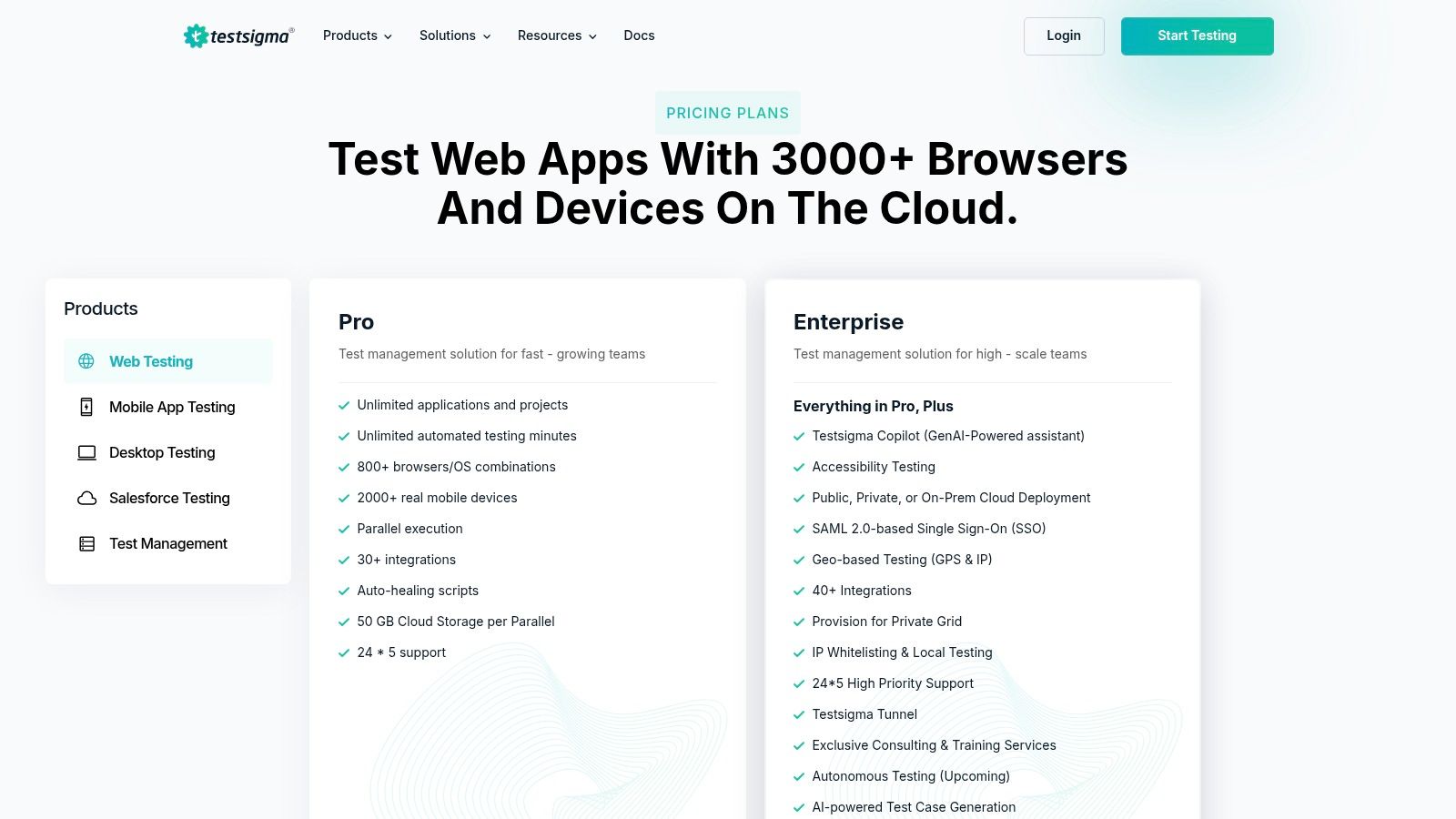
This tool is particularly attractive for organizations that require significant deployment flexibility. With options for public cloud, private cloud, or on-premises deployment, it caters to strict security and data governance needs. Its extensive cloud grid of browsers and real devices allows teams to achieve broad test coverage without managing their own infrastructure. You can explore its capabilities further in this article about Testsigma’s use in various testing environments.
Website: https://testsigma.com/pricing?utm_source=openai
LambdaTest provides a massive cloud-based testing grid where teams can execute tests across thousands of real browsers, devices, and operating systems. While primarily known for its extensive infrastructure, it integrates AI-powered features to enhance test analytics and execution. This makes it one of the most scalable ai test automation tools for teams that need to ensure broad compatibility and performance without managing their own device labs. Its support for parallel testing allows for significantly faster feedback cycles in CI/CD pipelines.
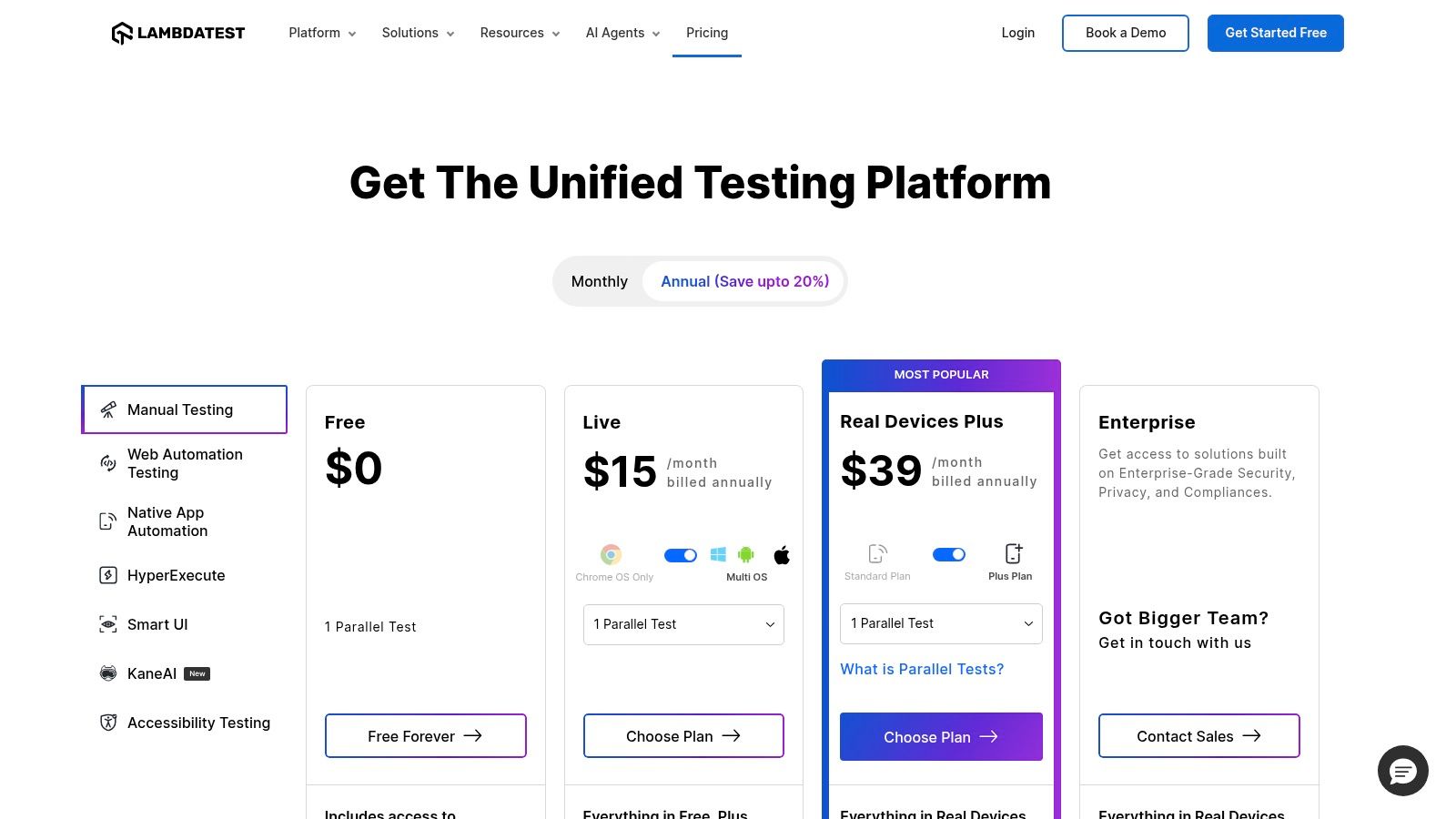
The platform is built for flexibility, offering robust integrations with popular frameworks like Selenium and Cypress, as well as CI tools. Features like secure tunnels and IP whitelisting provide the security necessary for testing internal or staging environments. With a generous lifetime freemium tier and an open-source support program, LambdaTest makes it easy for teams of any size to get started with large-scale, AI-assisted cross-browser and mobile testing.
Website: https://www.lambdatest.com/pricing?utm_source=openai
BrowserStack integrates AI capabilities into its massive cloud testing infrastructure, offering a unique blend of broad device coverage and intelligent test analysis. While renowned for its grid of over 30,000 real devices and 3,000 browser combinations, its AI-powered features bring significant value. The platform uses AI agents to automatically analyze test failures, identify flaky tests, and provide actionable debugging insights, reducing the manual effort required to maintain test suites.
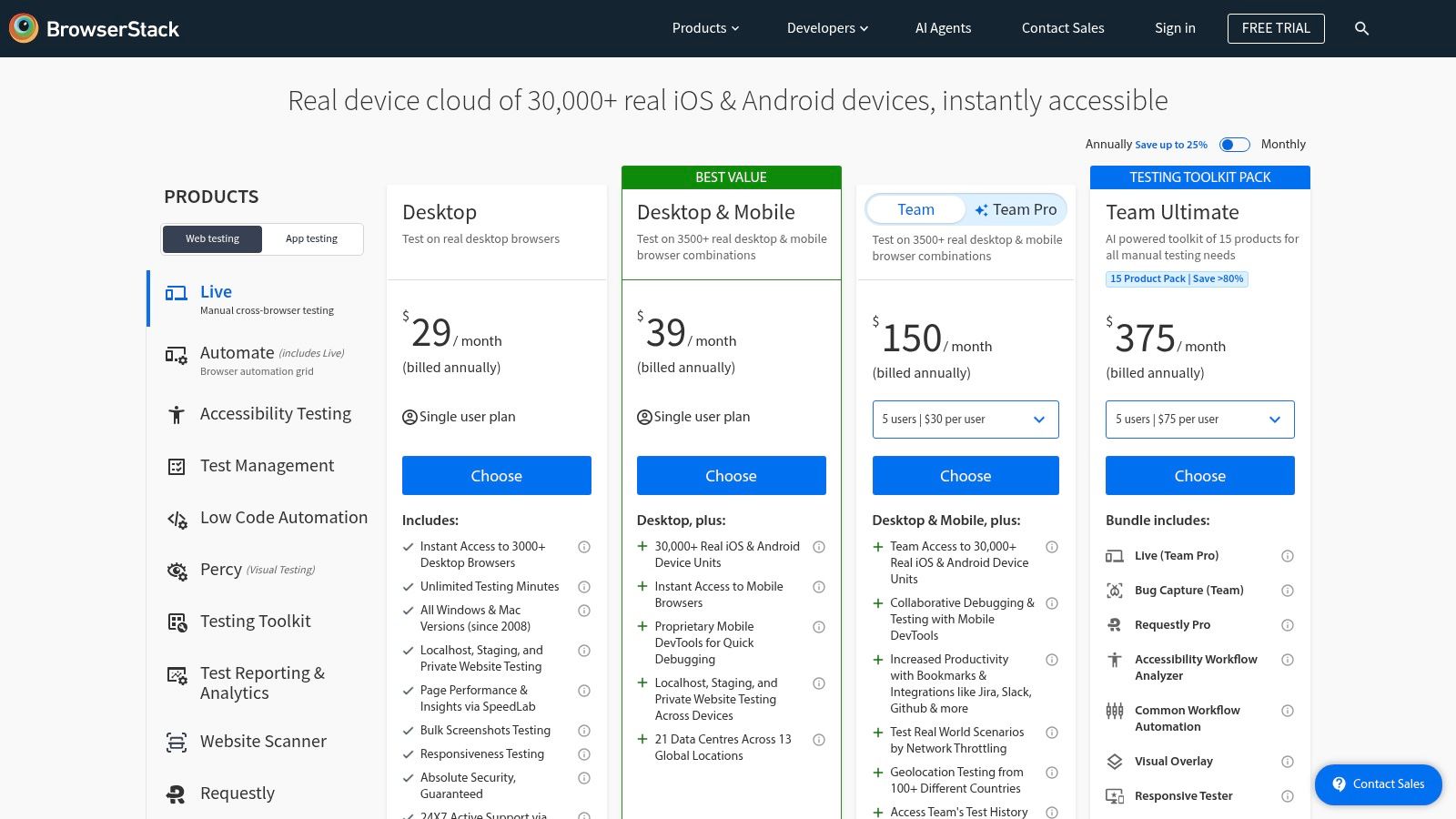
Its visual testing component, Percy, leverages machine learning to perform smart visual comparisons, catching UI regressions without the noise of minor pixel shifts. This combination makes BrowserStack one of the most comprehensive ai test automation tools for teams that need to validate application behavior and appearance across a vast landscape of user environments. For teams looking to maximize their investment, you can explore this guide on using BrowserStack effectively for testing.
Website: https://www.browserstack.com/pricing?utm_source=openai
Sauce Labs is a veteran in the cloud-based testing space, providing a comprehensive platform for automated and live testing across thousands of device and browser combinations. While well-known for its massive device cloud, Sauce Labs is integrating AI capabilities, branded as Sauce AI, to enhance its existing offerings. These ai test automation tools are designed to improve test analytics, identify failure patterns, and suggest fixes, helping teams debug more efficiently and reduce test flakiness within their established Selenium, Cypress, and Appium workflows.
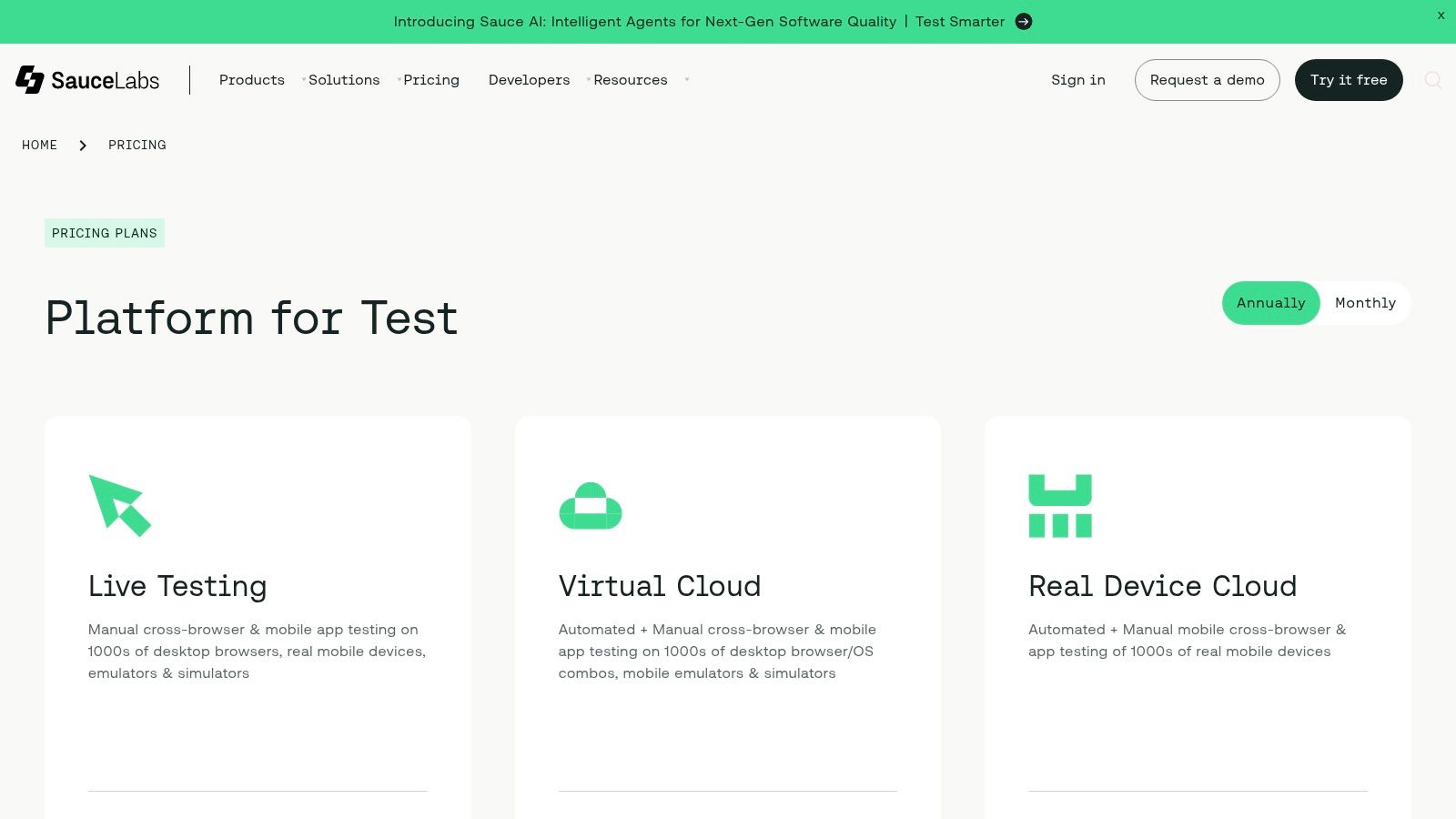
The platform excels at providing the infrastructure and debugging tools needed for large-scale parallel testing. Features like video recordings, browser logs, and secure tunneling are standard, making it easier to diagnose issues on its virtual or real device cloud. This makes it a strong choice for teams who already have a mature testing framework but need a reliable and scalable environment to execute their tests, now with an added layer of AI-driven insights to accelerate root cause analysis.
Website: https://saucelabs.com/pricing?utm_source=openai
Perfecto by Perforce is a comprehensive testing platform that combines real and virtual device cloud testing with intelligent analytics. While not a pure-play AI-agent tool, it incorporates AI into its reporting and analysis capabilities, making it one of the more powerful enterprise-grade ai test automation tools. Its AI-enhanced dashboards help teams quickly identify the root cause of failures, cutting down on debugging time and improving the signal-to-noise ratio in test results.
The platform’s strength lies in its scalability and robust infrastructure, offering both public and private device clouds to meet stringent security and performance needs. It seamlessly integrates with major CI/CD pipelines and supports popular frameworks like Selenium and Appium. This allows teams to leverage their existing skill sets while gaining the benefits of a managed, intelligent testing environment that provides deep insights into application quality across a vast array of devices.
Website: https://www.perfecto.io/pricing/online-subscription-plans?utm_source=openai
HeadSpin distinguishes itself among ai test automation tools by focusing on real-world performance and user experience across a global device infrastructure. It provides access to thousands of real devices-including mobile, web, OTT, and TVs-allowing teams to test their applications under actual network conditions. The platform’s AI engine automatically analyzes test sessions to pinpoint performance bottlenecks and user experience issues, presenting them as actionable “issue cards” with detailed root-cause analysis.
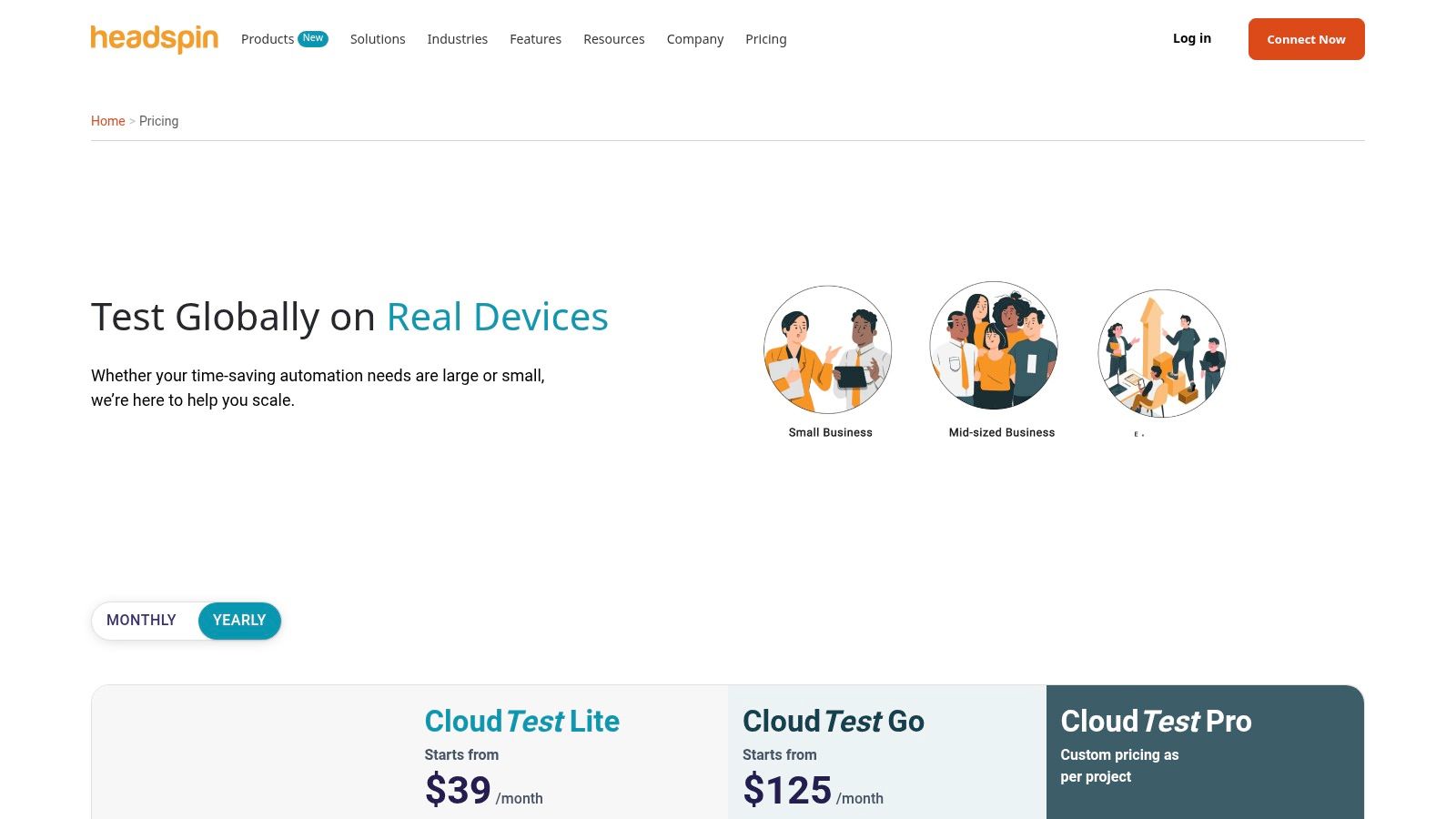
This focus on digital experience makes HeadSpin ideal for teams developing complex, media-heavy applications where performance is critical. Its support for Appium, alongside flexible deployment options like private cloud, on-prem, and even air-gapped environments, caters to security-sensitive organizations that cannot use public cloud solutions. By combining real-device testing with AI-driven performance insights, HeadSpin helps teams ensure their applications are not just functional but also responsive and reliable for a global user base.
Website: https://www.headspin.io/pricing?utm_source=openai
| Tool | Core features | Quality (★) | Price & Value (💰) | Target audience (👥) | Unique / Standout (✨) |
|---|---|---|---|---|---|
| TestDriver 🏆 | AI prompt → executable E2E tests; CI/CD friendly; uptime & roadmap | ★★★★★ | 💰 Transparent pricing; accessible docs & active community | 👥 QA, SDETs, devs, engineering managers | ✨ Prompt-to-test speed; public uptime/roadmap; Discord & GitHub examples |
| Applitools (Autonomous + Eyes) | Visual AI diffs; autonomous test gen; enterprise deployment | ★★★★★ | 💰 Enterprise-priced; unlimited runs on subs | 👥 UI teams, design-focused QA, enterprises | ✨ Industry-leading visual diffs & self-healing |
| Tricentis Testim | NL-to-tests; AI locators; TestOps; Salesforce support | ★★★★ | 💰 Quote-based (sales); enterprise value | 👥 Large QA orgs, Salesforce teams | ✨ Strong Salesforce coverage & root-cause analysis |
| mabl | Low-code GenAI tests; API/accessibility/perf; CI/Jira/Slack | ★★★★ | 💰 Credit-based packaging; quote for tiers | 👥 Mid-market teams, QA owners | ✨ Consolidated testing + strong enablement (CSM, Mabl U) |
| Functionize | Agent-based autonomous run/diagnose/self-heal; NLP authoring | ★★★★ | 💰 Enterprise-focused pricing | 👥 Large, complex-app engineering teams | ✨ Cloud-scale parallel execution & autonomous ops |
| Katalon Platform | Low/full-code authoring; AI-assisted locators; TestCloud | ★★★★ | 💰 Clear entry points; free tier available | 👥 Mixed-skill teams (QA + engineers) | ✨ Free tier + Academy and flexible execution add-ons |
| Testsigma | AI test generation & self-heal; large device/browser grid; Copilot | ★★★★ | 💰 Quote-based; higher tiers for advanced features | 👥 Teams needing broad device/browser coverage | ✨ 800+ browsers & 2000+ real devices; on-prem/private options |
| LambdaTest | Cloud browsers/devices; parallelization; CI integrations | ★★★ | 💰 Freemium + session-based scaling (competitive) | 👥 Developers & QA scaling cross-browser tests | ✨ Lifetime freemium + sessions pricing model |
| BrowserStack | 30k+ real devices; Percy visual engine; broad integrations | ★★★★★ | 💰 Modular plans; freelancer & OSS options (can add up) | 👥 Teams needing real-device/global infra | ✨ Massive device coverage + modular product suite |
| Sauce Labs (incl. Sauce AI) | Virtual & real device cloud; debugging & secure tunneling | ★★★★ | 💰 Transparent entry tiers; per-parallel cost at scale | 👥 Enterprises & security-conscious teams | ✨ Mature platform with enterprise compliance & tooling |
| Perfecto by Perforce | Public/private device cloud; AI analytics; CI integrations | ★★★★ | 💰 Clear plan ladder (Starter→Enterprise); add-ons | 👥 Enterprise QA and large dev teams | ✨ AI-enhanced dashboards + unlimited users/minutes on paid tiers |
| HeadSpin | Global real-device infra; performance KPIs; Appium support | ★★★★ | 💰 Premium for advanced media/perf capabilities | 👥 UX/performance teams, security-sensitive orgs | ✨ OTT/TV device coverage & air-gapped/private deployments |
The landscape of software testing is undergoing a profound transformation, and the array of AI test automation tools we’ve explored is at the very heart of this evolution. We’ve moved beyond the era of brittle, high-maintenance test scripts into a new paradigm where intelligent automation enhances efficiency, accelerates release cycles, and elevates quality to unprecedented levels. From the visual validation prowess of Applitools to the enterprise-grade platforms offered by Tricentis and Katalon, each tool presents a unique approach to solving the complex challenges of modern quality assurance.
The core takeaway is that AI is not just a buzzword in this space; it’s a practical solution to tangible problems. Self-healing tests combat the constant churn of UI changes, AI-powered test generation accelerates the creation of meaningful test coverage, and intelligent visual analysis catches regressions that traditional locators would miss. These capabilities empower teams to focus on strategic quality initiatives rather than getting bogged down in the endless cycle of script maintenance.
Choosing the right tool is not about finding the “best” one, but the one that best fits your team’s specific context. Your decision-making process should be guided by a clear understanding of your unique requirements.
Consider these critical factors:
The journey toward adopting AI-driven testing begins with a strategic, hands-on approach. Don’t get paralyzed by the number of options. Instead, create a shortlist of two or three tools from this guide that align most closely with your needs and initiate a proof-of-concept (PoC).
Assign a small, specific project or a critical user flow to test with each platform. This will provide invaluable, real-world insights into each tool’s usability, reliability, and true value. Document the experience: How quickly could your team create tests? How effective was the self-healing? Did the test reports provide clear, actionable feedback? This empirical data will be the most reliable guide for your final decision. The integration of AI test automation tools is a strategic investment in your product’s future, one that promises to deliver more resilient software, faster than ever before.
Ready to experience the power of no-code, AI-driven testing firsthand? TestDriver makes it incredibly simple to create, run, and maintain robust end-to-end tests without writing a single line of code. See how our intelligent platform can accelerate your release cycle and eliminate test maintenance headaches by starting your free trial at TestDriver today.
Implement risk based testing to focus your QA efforts. Learn a step-by-step process to identify, prioritize, and automate tests for critical user flows.
Learn how to master testing website in different browsers with practical strategies, automation tips, and real-world debugging insights.
Discover how AI in automation testing is revolutionizing QA with smart test generation, self-healing scripts, and visual validation to accelerate workflows.
Master the art of testing websites on different browsers. This guide covers how to build a testing matrix, write robust tests, and fix bugs efficiently.
TestDriver runs every pull request in a real desktop sandbox, finds bugs, and builds regression tests - right from your repo.