Smarter Automation Using Artificial Intelligence in Automation Testing
Discover how artificial intelligence in automation testing is revolutionizing QA. Learn practical strategies, key benefits, and how to implement AI today.
Discover the 12 best codeless automation testing tools for web, API, and mobile. Our 2026 guide helps you choose the right platform for your QA workflow.
Automate and scale manual testing with AI ->
The demand for faster release cycles and higher software quality has put immense pressure on modern software teams. Traditional, code-heavy automation frameworks often require specialized programming skills and significant maintenance, creating bottlenecks that can slow down the entire development pipeline. This is where codeless automation testing tools offer a powerful solution. They empower a wider range of team members, from manual testers and business analysts to developers, to create, execute, and maintain robust automated tests through intuitive visual interfaces, natural language commands, and AI-driven assistance.
By abstracting away the complexity of scripting, these platforms democratize the testing process, enabling teams to build comprehensive test suites more quickly and efficiently. The underlying principles are transforming not only testing but also the broader field of application creation, allowing teams to accelerate projects by building apps without code. This shift allows QA professionals to focus on test strategy and exploratory testing rather than getting bogged down in script maintenance.
This guide provides a comprehensive breakdown of the top codeless automation testing tools available today. We will move beyond marketing claims to evaluate each platform based on practical use cases, key features, specific limitations, and integration capabilities. Each entry includes screenshots and direct links to help you find the perfect fit for your workflow. Our goal is to equip you with the detailed insights needed to select a tool that genuinely enhances your team’s efficiency, accelerates release velocity, and improves overall software quality without requiring deep coding expertise.
TestDriver stands out in the crowded field of codeless automation testing tools by positioning itself as an AI-powered QA agent rather than just a test recorder. It translates plain-English instructions into robust, end-to-end tests for web and desktop applications. This approach significantly lowers the barrier to entry, allowing both QA professionals and developers to generate comprehensive test suites in minutes, not days. Its core strength lies in its vision-based engine, which interacts with an application’s UI just as a human user would, making tests resilient to the common causes of flakiness like selector changes or element repositioning during a redesign.
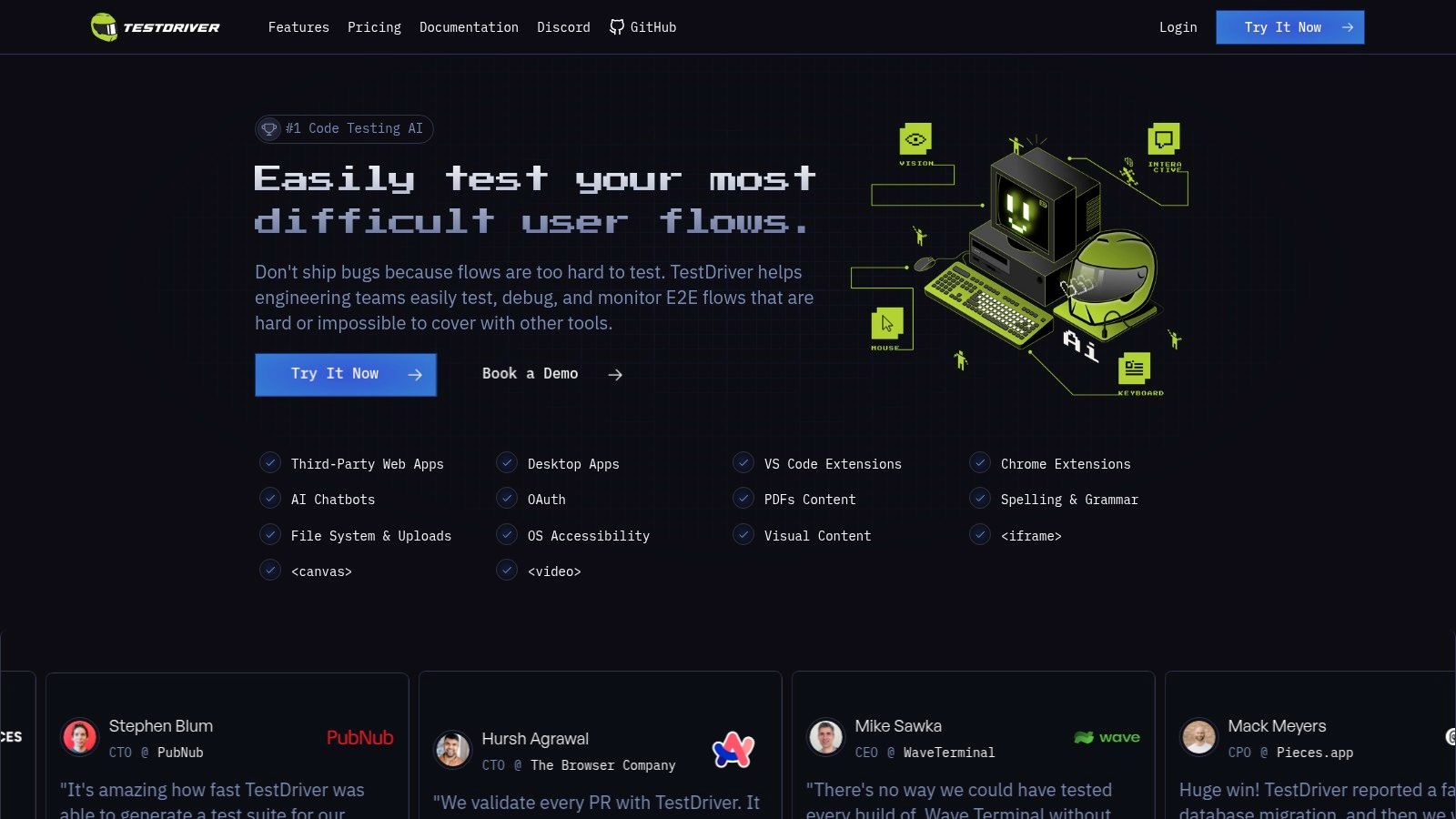
The platform is engineered for speed and reliability, integrating directly into the developer workflow via VS Code and Chrome extensions. This design philosophy is evident in its rich, actionable reporting, which includes “Dashcam” video replays, network traces, and AI-generated summaries to help teams pinpoint the root cause of a failure quickly.
TestDriver is accessible to teams of all sizes with a generous free plan that does not require a credit card. Paid tiers offer expanded capabilities for larger teams and enterprise needs. The company maintains a transparent ecosystem with a public GitHub, an active Discord community for support, and a published product roadmap.
Katalon is a comprehensive, low-code testing platform that stands out for its versatility across web, API, mobile, and desktop applications. It effectively bridges the gap between no-code simplicity and the power of scripted testing, making it one of the most adaptable codeless automation testing tools for teams with varying skill levels. Its strength lies in offering an all-in-one environment where testers can start with record-and-playback, transition to a keyword-driven framework, and eventually customize with Groovy/Java scripts if needed.
This unified approach streamlines the entire testing lifecycle, from authoring to execution and reporting. Unlike more narrowly focused tools, Katalon provides a complete ecosystem with its Katalon Studio IDE, TestCloud for parallel cloud executions, and TestOps for analytics and governance. This makes it an excellent choice for organizations aiming to standardize their QA processes on a single platform.
click, setText). This allows manual QA testers to create and maintain robust automation suites without writing any code.Katalon offers a transparent pricing model, including a robust Free plan suitable for individuals or small teams just starting with automation. Paid plans like Premium (starting at $167/month) unlock advanced features like parallel testing, enterprise-grade integrations, and dedicated support. A top-tier Ultimate plan is available for organizations requiring advanced security and desktop testing capabilities.
Website: https://katalon.com
Tricentis Tosca is an enterprise-grade, model-based test automation platform designed for complex, large-scale application portfolios. It sets itself apart by moving beyond simple record-and-playback, using a model of the application’s UI and business logic to build and maintain tests. This makes it a powerful choice among codeless automation testing tools for organizations dealing with intricate systems like SAP, mainframes, and custom enterprise applications.
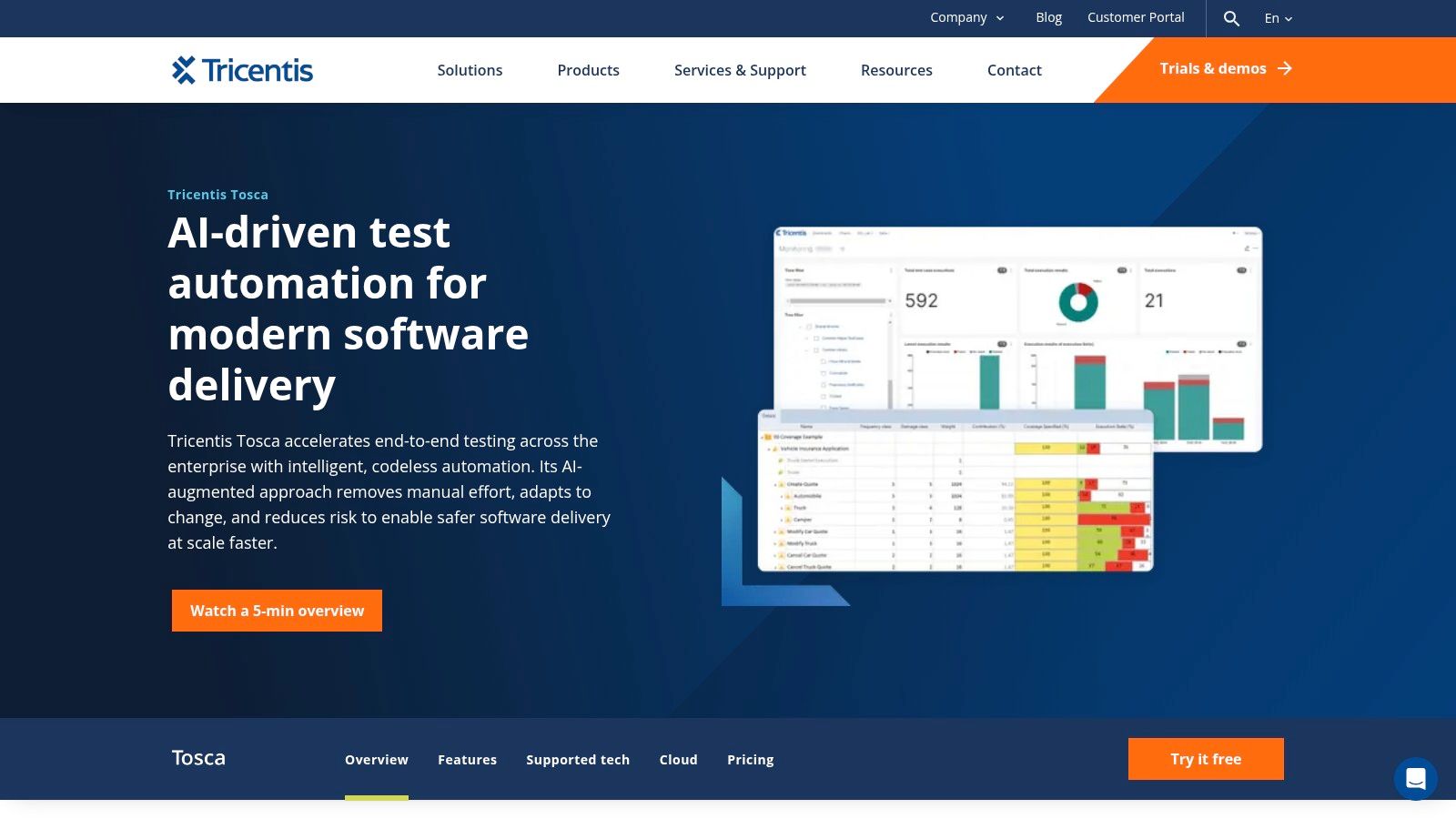
This model-based approach means that when the application’s underlying code changes, testers only need to update the central model, and all associated test cases are automatically updated. Tosca’s recent integration of agentic AI further simplifies test creation, allowing users to define test logic using natural language. Its extensive technology support and robust design make it ideal for regulated industries where test accuracy and auditability are critical.
Tricentis Tosca is an enterprise-focused solution with pricing available through a direct quote. Its cost reflects its extensive capabilities and is typically higher than simpler tools, positioning it as a premium offering. A cloud (SaaS) version is available to reduce infrastructure management overhead.
Website: https://www.tricentis.com/products/automate-continuous-testing-tosca
Leapwork is a fully visual, no-code test automation platform designed to empower both business users and QA professionals. Its core strength lies in its unique flowchart-based approach, which allows teams to build sophisticated automation flows by connecting visual building blocks instead of writing code. This makes it one of the most accessible codeless automation testing tools for enterprise environments where subject matter experts need to contribute directly to the quality assurance process.
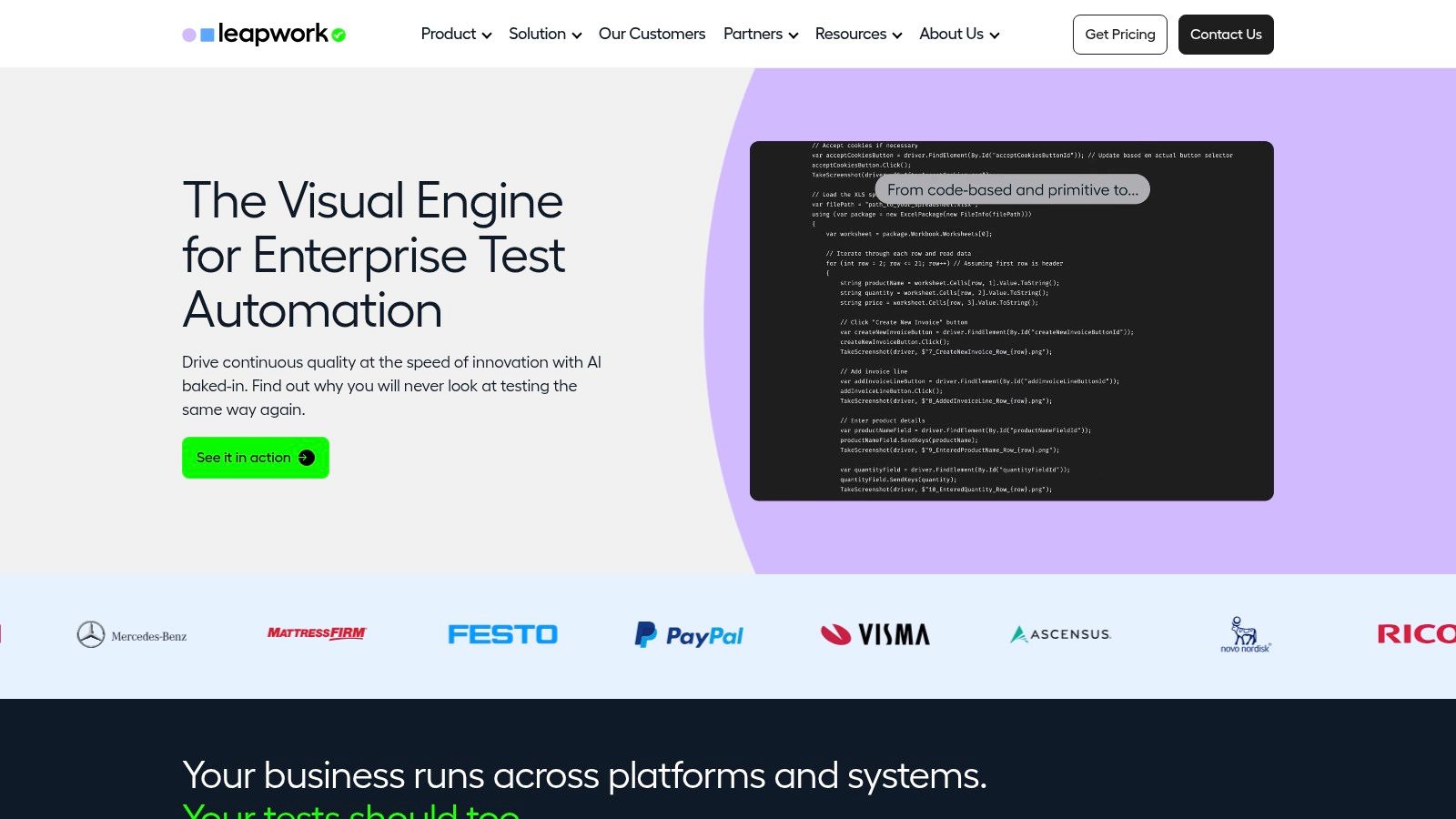
The platform is built for scalability and governance, offering a centralized hub for managing test cases, scheduling executions, and analyzing results. Unlike tools that focus solely on test creation, Leapwork provides an end-to-end solution that includes distributed agents for parallel execution across different environments. This makes it a powerful choice for large organizations aiming to automate complex business processes across applications like Salesforce, SAP, and Microsoft Dynamics.
Leapwork’s pricing is tailored for enterprise use and is available upon request through a custom quote. The model is typically based on the number of users and execution agents required. While this may place it at a higher price point compared to tools with free or entry-level tiers, it reflects its focus on providing a comprehensive, scalable solution with dedicated support for large-scale deployments.
Website: https://www.leapwork.com
Testsigma is a cloud-native, unified test automation platform that excels in making test creation accessible through plain English. It is one of the most intuitive codeless automation testing tools for teams aiming to cover web, mobile (both iOS and Android), and API testing from a single interface. The platform’s core strength lies in its NLP-based test authoring, which allows testers to write automated steps in simple, natural language, drastically lowering the entry barrier for non-programmers.
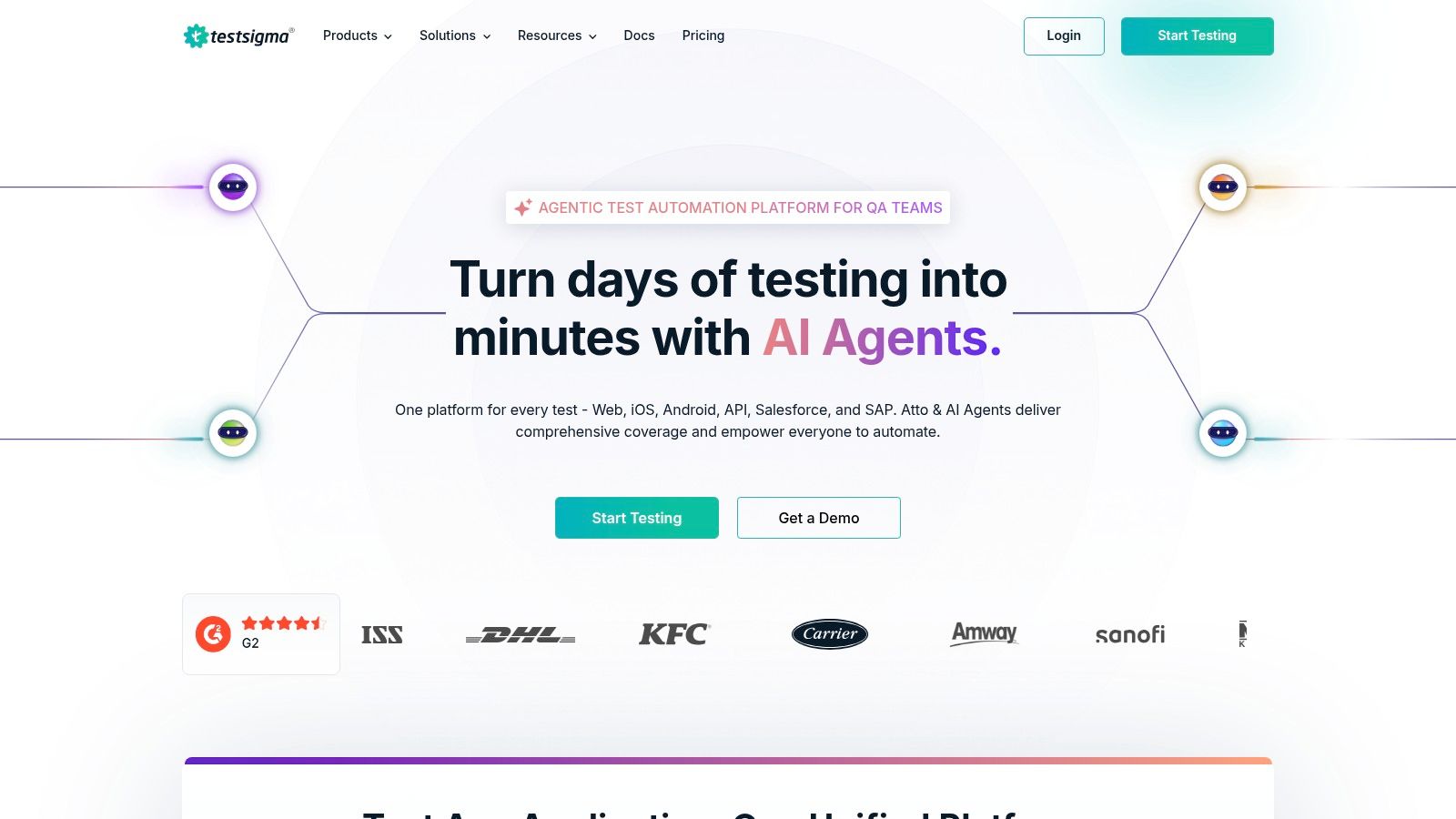
Unlike tools that are installed locally, Testsigma’s SaaS model simplifies setup and maintenance, enabling teams to get started quickly. Its comprehensive cloud device lab provides access to thousands of real devices and browser combinations for parallel execution, making it a strong contender for organizations focused on achieving broad test coverage and accelerating release cycles without managing complex infrastructure. On higher tiers, it also incorporates a GenAI assistant to further speed up test creation and maintenance.
navigate to URL, type text into username). This is perfect for manual QA teams and business analysts who can contribute directly to automation efforts.Testsigma offers a Free plan with limited parallel tests and device access, which is great for small projects. The Pro plan is designed for growing teams needing more scale, while the Enterprise plan provides unlimited testing capabilities, advanced security, and dedicated support. Specific pricing for paid tiers is not publicly listed and requires contacting their sales team for a custom quote.
Website: https://testsigma.com
ACCELQ is a cloud-native, AI-powered automation platform that champions a “design-first” approach to codeless testing. It uniquely focuses on business process assurance, allowing teams to author tests in plain English, which makes it one of the most accessible codeless automation testing tools for non-technical stakeholders. Its core strength lies in its modularity and abstraction, where the test logic is separated from the underlying application changes, drastically improving test suite maintainability and resilience.
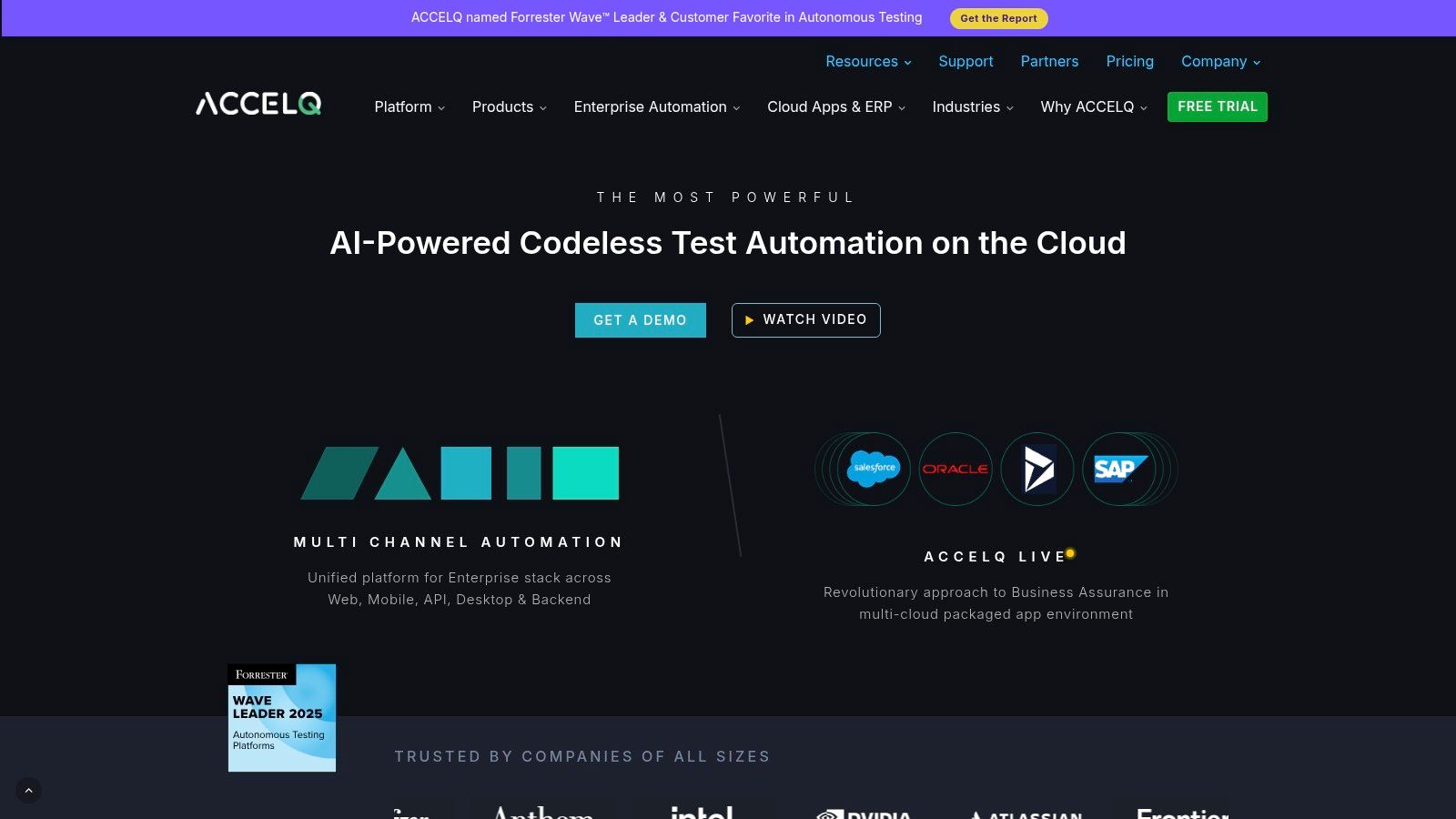
This unified platform handles web, API, mobile, and packaged app testing within a single interface, promoting reusability across different layers of an application. Unlike simple recorder tools, ACCELQ builds a “Universe” of the application, automatically modeling pages and elements. This allows its self-healing AI to adapt to UI changes, reducing the constant effort of fixing broken tests and making it ideal for dynamic, fast-moving development environments.
ACCELQ operates on an enterprise-focused SaaS model. Pricing is not publicly listed and requires direct engagement with their sales team for a customized quote. This model is typical for platforms offering extensive features and support geared toward medium to large organizations. While there isn’t a free-tier plan, they offer demos and a proof-of-concept to evaluate the platform. The onboarding effort can be more involved than lightweight tools, reflecting its comprehensive nature.
Website: https://www.accelq.com
Mabl is an intelligent, low-code test automation platform built for the age of CI/CD. Delivered as a SaaS solution, it leverages AI and GenAI to help teams create, execute, and maintain reliable tests for web, mobile, and API applications. Its key differentiator is an all-inclusive subscription model that bundles features like auto-healing, performance testing, and unlimited parallel cloud runs, making it one of the most comprehensive codeless automation testing tools for modern engineering teams.
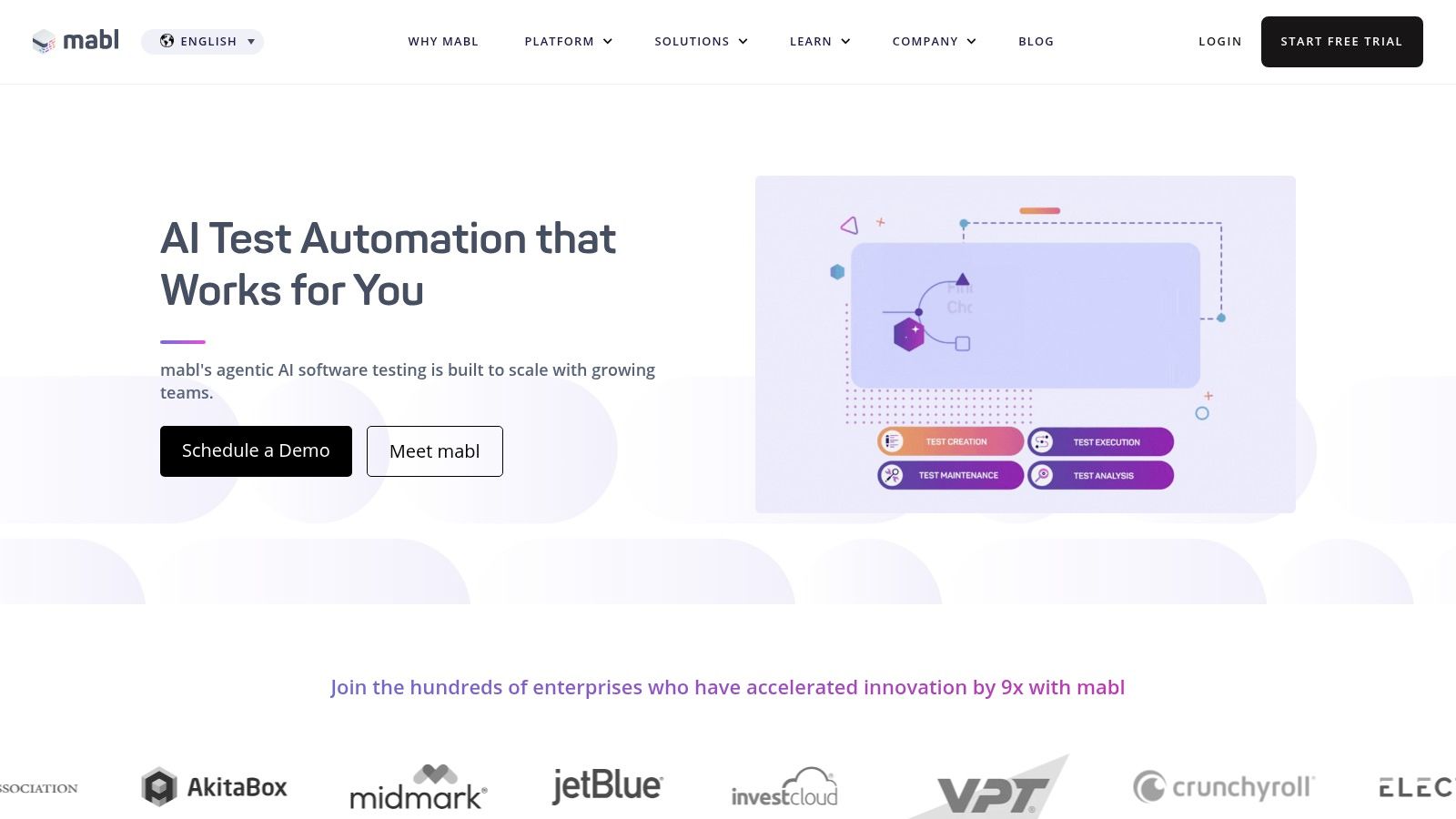
The platform is designed to make testing a core part of the development lifecycle, not a bottleneck. With its emphasis on AI-driven maintenance and detailed diagnostic data, mabl enables teams to ship quality software faster. The strong focus on customer onboarding and education, including Mabl University, ensures teams can realize value quickly, which is a significant advantage for organizations committed to adopting a SaaS-based testing workflow.
Mabl offers a quote-based pricing model tailored to team needs and does not provide public list prices. Its value is maximized through its transparent, all-in-one subscription which includes unlimited local and CI runs, as well as included parallel cloud executions. This model is best suited for teams ready to commit to a SaaS workflow and looking for predictable, comprehensive testing costs. A 14-day free trial is available to evaluate the platform.
Website: https://www.mabl.com
Tricentis Testim is an AI-powered, low-code testing platform that excels at accelerating test authoring and dramatically reducing maintenance for web and Salesforce applications. It leverages machine learning to create exceptionally stable tests, making it a powerful choice among codeless automation testing tools for fast-moving agile and DevOps teams. The platform’s core strength is its smart-locator technology, which intelligently identifies UI elements, ensuring tests don’t break with minor application changes.
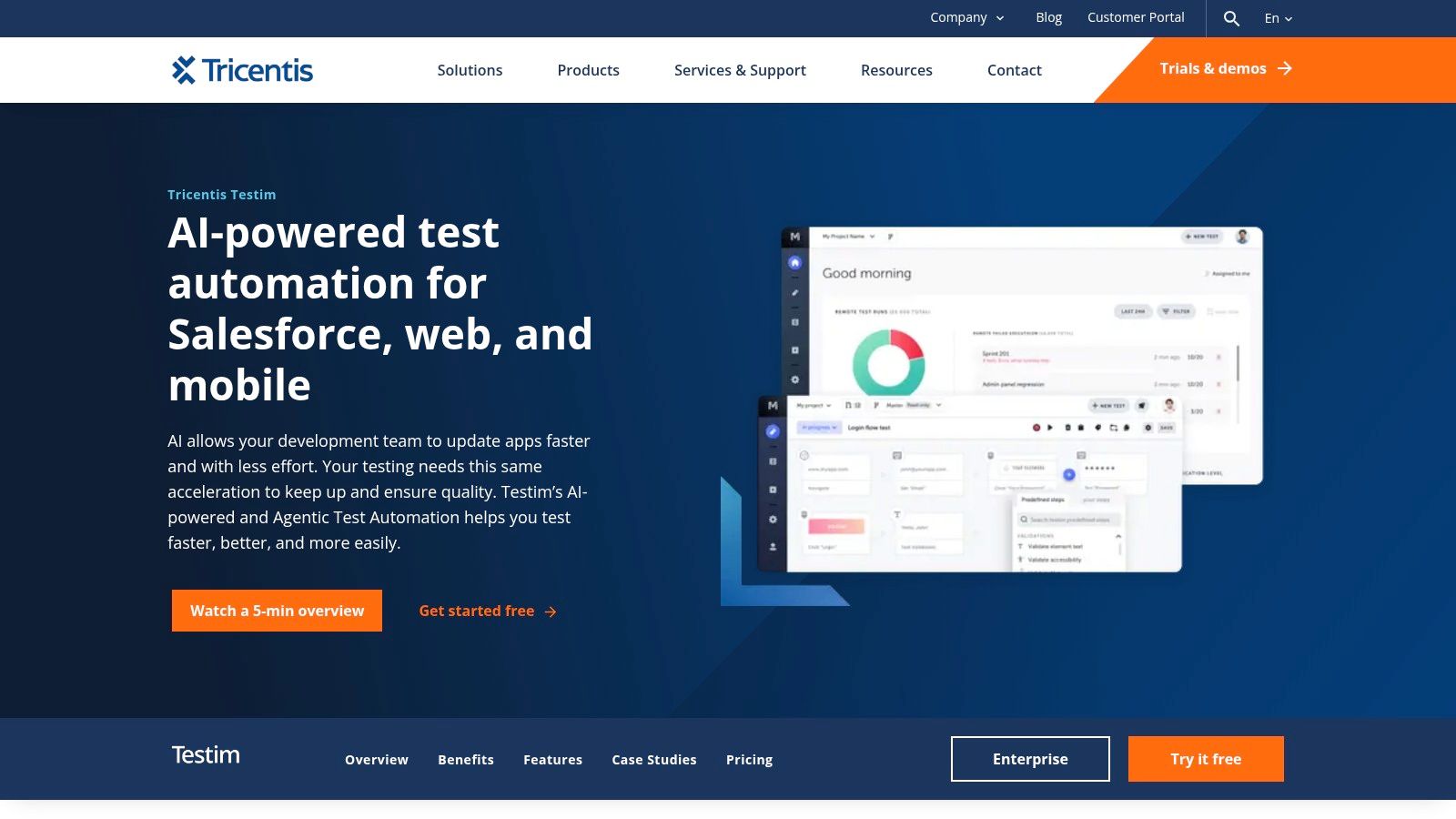
Testim’s agentic AI further distinguishes it by allowing teams to create tests from natural language prompts, turning plain text descriptions of user flows into executable automation. This AI-first approach, combined with a clean user interface and robust TestOps capabilities, empowers both technical and non-technical team members to contribute to quality assurance, speeding up release cycles without sacrificing coverage.
Tricentis Testim provides customized pricing based on team size and usage, available through a direct sales inquiry. They offer two main plans: Testim Web, for modern web applications, and Testim for Salesforce, which includes specialized features for the platform. While list prices are not public, a free community plan is available for smaller projects, allowing teams to evaluate its core capabilities.
Website: https://www.tricentis.com/products/test-automation-web-apps-testim
SmartBear TestComplete is a mature and powerful UI automation tool that provides robust support for desktop, web, and mobile applications. It caters to a wide audience by offering both keyword-driven (scriptless) and traditional script-based testing in languages like JavaScript, Python, and VBScript. This dual-capability makes it a versatile choice among codeless automation testing tools, especially for enterprise teams that need to support legacy applications while modernizing their QA processes.
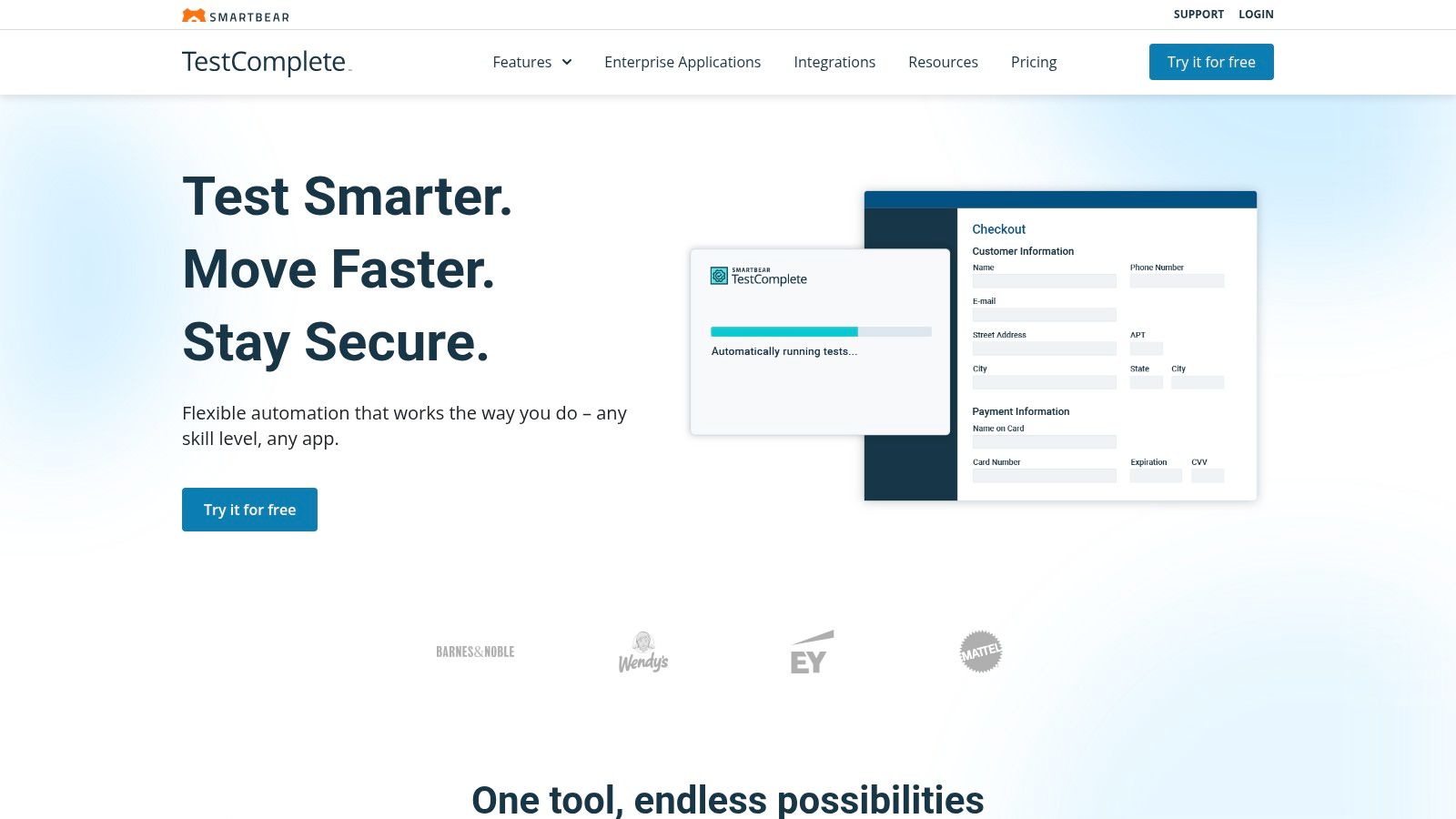
The platform’s key strength lies in its extensive object recognition capabilities and its tight integration within the broader SmartBear ecosystem, including Zephyr for test management and BitBar for real-device cloud testing. While its IDE is Windows-centric, its ability to automate complex interactions on a wide range of technologies makes it a go-to for organizations with diverse application portfolios. For teams seeking a different approach, exploring alternatives to TestComplete can provide valuable insights into the current landscape.
TestComplete’s pricing is customized and typically requires contacting their sales team for a quote. It operates on a modular licensing model where you purchase licenses for Web, Mobile, Desktop, or a complete Pro bundle. While there isn’t a free plan, a 30-day free trial is available to evaluate its full capabilities.
Website: https://smartbear.com/product/testcomplete
Ghost Inspector is a truly no-code, browser-based automation tool designed for simplicity and speed. It allows teams to create and manage UI tests for websites and web applications without writing a single line of code. Its primary strength lies in its browser extension, which enables users to record critical user journeys directly in Chrome and turn them into repeatable automated tests stored in the cloud.
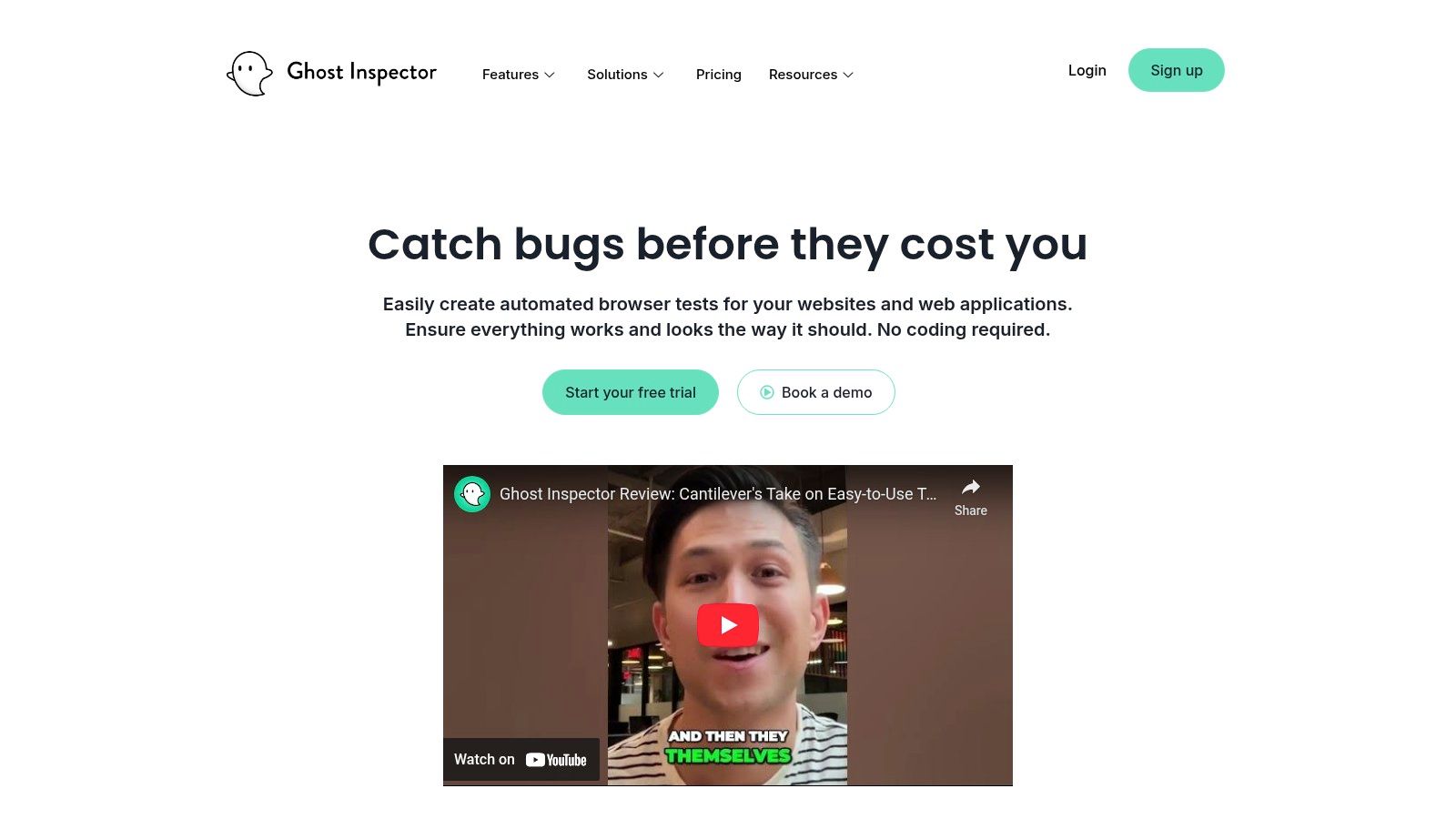
This makes Ghost Inspector an excellent choice for non-technical users, such as product managers or manual QA testers, who need to validate user flows or monitor website functionality. While it is more focused on browser-based UI testing compared to all-in-one platforms, its specialization makes it one of the most accessible codeless automation testing tools for getting started with website monitoring and regression testing.
Ghost Inspector provides a transparent, tiered pricing model. A Free plan is available, offering 100 test runs per month, which is perfect for individuals or small projects. Paid plans start with the Small tier at $119/month for 10,000 test runs and scale up to Large and Enterprise plans, offering more test runs, parallel execution slots, and advanced features like data retention and priority support.
Website: https://ghostinspector.com
Autify is a smart, AI-powered test automation platform designed to make testing simple for both web and mobile applications without requiring code. It distinguishes itself with an intuitive visual test recorder and AI-driven maintenance, which automatically heals tests when it detects UI changes. This focus on self-healing makes it one of the more resilient codeless automation testing tools, significantly reducing the time teams spend fixing broken tests after minor application updates.
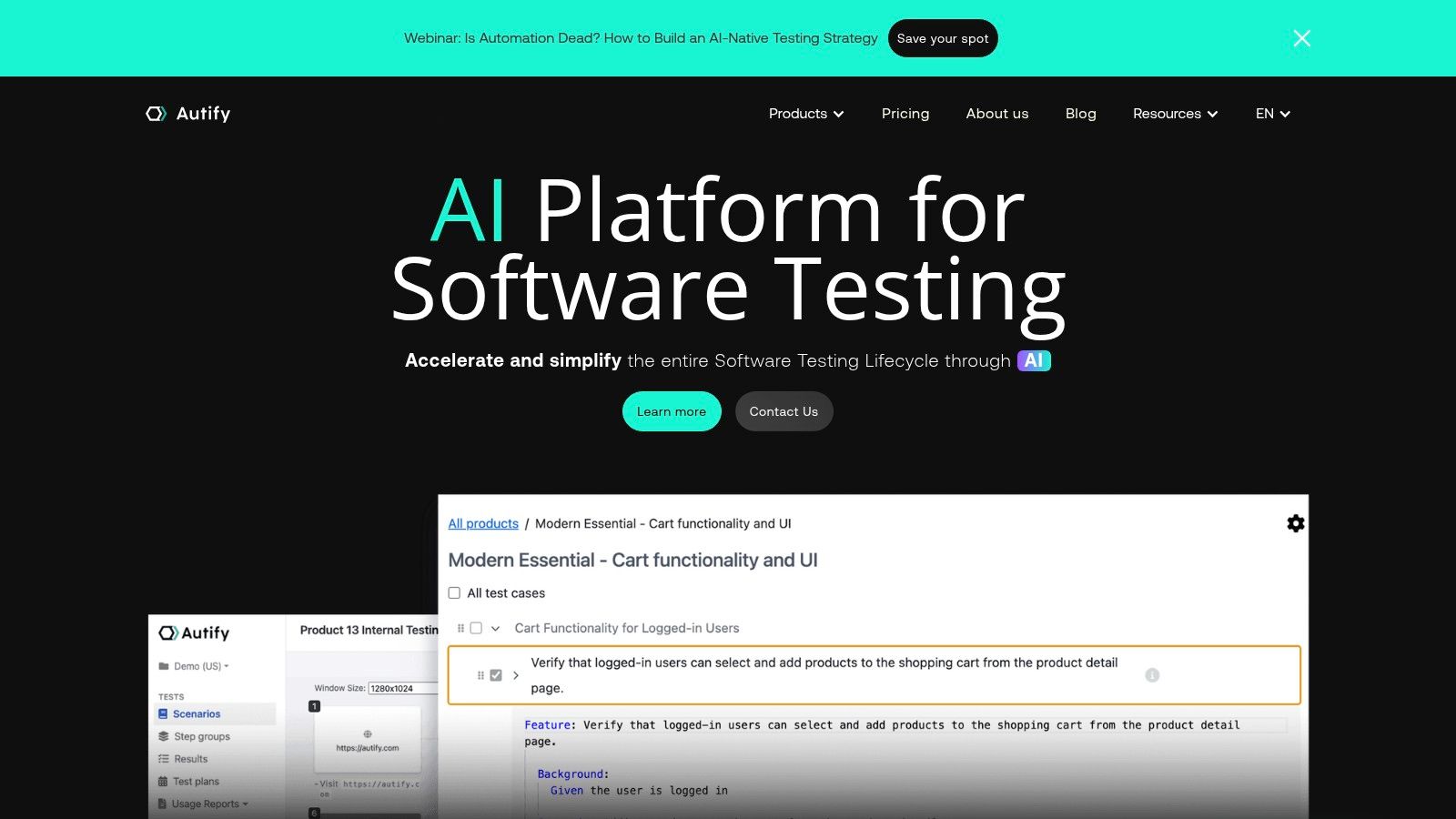
The platform effectively caters to a wide audience by balancing pure no-code functionality with advanced capabilities. For instance, teams can create tests visually but also have the option to import or export Playwright code, offering a flexible bridge for collaboration between QA and development. This blend of accessibility and extensibility makes Autify a strong contender for teams looking to accelerate their release cycles while maintaining high quality standards.
Autify provides a transparent pricing structure that includes a Free plan for individual use, making it easy to evaluate. The Professional plan (starting at $300/month) is designed for small teams and offers core web automation features. For larger organizations, the Enterprise plan provides advanced features like mobile testing, on-premise execution, and enhanced security. Add-ons for parallel executions and secure tunneling are also available.
Website: https://autify.com
Selenium IDE is a simple, open-source browser extension that brings test automation to everyone, regardless of their coding background. It is a pure record-and-playback tool for web UI tests, making it an excellent entry point for manual testers, developers, or anyone needing to perform quick validation checks. As one of the foundational codeless automation testing tools, it provides a straightforward way to prototype tests and learn the basics of automation logic.
Its primary strength lies in its simplicity and accessibility. Users can install the extension on Chrome, Firefox, or Edge and begin recording user flows immediately. While it lacks the advanced management and reporting features of enterprise platforms, Selenium IDE shines as a stepping stone. Testers can export recorded test scripts into various programming languages (like Java, C#, Python) for use with Selenium WebDriver, bridging the gap between no-code and code-based automation.
if/else and while loops, allowing for more dynamic and resilient test creation without writing code.Selenium IDE is completely Free and open-source. As a browser extension, it is readily available for download on the official add-on stores for Chrome, Firefox, and Microsoft Edge. There are no paid plans or hidden costs, making it a zero-risk tool for individuals and teams to adopt for basic automation needs.
Website: https://www.selenium.dev/downloads
| Tool | Core focus | Quality ★ | Unique strengths ✨ | Target audience 👥 | Pricing 💰 |
|---|---|---|---|---|---|
| TestDriver 🏆 | AI-driven end-to-end tests (vision-based, NL→tests) | ★★★★★ Fast & resilient | ✨ Vision-based adaptive tests, Dashcam replays, NL & JS authoring, CI-ready | 👥 Devs & QA teams, fast-iteration shops | 💰 Free tier + transparent tiers; enterprise options |
| Katalon Platform | Low-code/codeless for web, mobile, API, desktop | ★★★★ Mature & documented | ✨ Record & keyword-driven authoring, TestCloud, CI integrations | 👥 Teams wanting low-code ramp-up | 💰 Free tier; paid add-ons for parallel/cloud |
| Tricentis Tosca | Enterprise model-based codeless for 160+ techs | ★★★★☆ Enterprise-grade | ✨ SAP/mainframe support, risk-based optimization, agentic AI | 👥 Large/regulated enterprises | 💰 Quote-based, premium |
| Leapwork | No-code visual flow-chart automation | ★★★★ Very approachable | ✨ Visual designer, distributed agents, enterprise governance | 👥 Business users & QA non-coders | 💰 Quote-based (enterprise) |
| Testsigma | Cloud-first NL authoring + large parallel execution | ★★★★ Scales well | ✨ Natural-language steps, GenAI Copilot (tiers), wide device/browser parallelism | 👥 SaaS teams needing scale & speed | 💰 Free trial; public pricing limited |
| ACCELQ | Design-first codeless NL with auto-healing locators | ★★★★ Maintainability-focused | ✨ Auto-healing locators, test generation, data modeling, Jira/CI | 👥 Teams prioritizing reusability & scale | 💰 Sales-priced; not public |
| mabl | Low-code, AI-assisted SaaS (web/mobile/API/perf/accessibility) | ★★★★ Strong onboarding & support | ✨ GenAI-assisted creation, auto-heal, perf & accessibility checks | 👥 SaaS QA teams & customer-success-led orgs | 💰 Quote-based; includes local/CI runs |
| Tricentis Testim | AI-powered low-code/no-code for web & mobile | ★★★★ Fast authoring & low maintenance | ✨ Agentic AI prompts, ML smart locators, TestOps | 👥 Teams wanting rapid AI-assisted tests | 💰 Sales/quote-based |
| SmartBear TestComplete | Mature UI automation (keyword & script) | ★★★★ Established & supported | ✨ Keyword tests, BitBar/cloud integration, enterprise docs/support | 👥 Enterprises & long-lived projects | 💰 Sales-based; add-ons for scaling |
| Ghost Inspector | No-code browser recorder + monitoring & CI hooks | ★★★ Easy setup for web checks | ✨ Browser extension, scheduled runs, alerts & dashboards | 👥 Non-dev teams, monitoring critical flows | 💰 Tiered plans; trial available |
| Autify | No-code web/mobile with AI maintenance & Playwright export | ★★★★ Balanced simplicity & advanced options | ✨ Visual editor, visual regression, Playwright export, cloud parallels | 👥 Small–mid teams evaluating automation | 💰 Published pricing + free tier; add-ons |
| Selenium IDE | Free open-source browser record-playback extension | ★★★ Good for POCs & learning | ✨ Open-source, export to Selenium scripts, cross-browser | 👥 Learners, quick prototyping, POCs | 💰 Free / open-source |
The journey through the landscape of codeless automation testing tools reveals a clear and transformative trend: testing is no longer the exclusive domain of developers or highly specialized QA engineers. The democratization of test automation empowers everyone, from manual testers and business analysts to product managers, to contribute directly to software quality. We’ve explored a dozen powerful platforms, from enterprise-grade titans like Tricentis Tosca to lean, web-focused solutions like Ghost Inspector, and AI-powered innovators like TestDriver.
The central takeaway is that there is no single “best” tool. The ideal choice is a strategic one, deeply rooted in your team’s unique context, technical maturity, and long-term goals. The selection process itself is a critical first step in your automation journey. Getting it right means unlocking faster release cycles, reducing regression risks, and freeing up your team for more creative, high-impact work. Getting it wrong can lead to tool-shelf-ware, frustrated teams, and a failed automation initiative.
To navigate this decision effectively, move beyond feature checklists and focus on a holistic evaluation. We recommend a structured approach that maps the tools we’ve discussed against your specific operational realities.
Start by defining your core requirements across these four essential pillars:
Web-Only vs. Omni-channel: Are your testing needs confined to web applications (ideal for tools like Ghost Inspector or Selenium IDE), or do you require comprehensive coverage across desktop, mobile, and APIs? Platforms like Katalon, Testsigma, and Tricentis Tosca offer this broader, omni-channel support.
UI Simplicity vs. Dynamic Elements: For straightforward user flows, most tools suffice. However, for applications with dynamic IDs, iFrames, and complex state changes, look for robust element locators and self-healing capabilities, a key strength of AI-driven tools like mabl, Testim, and TestDriver.
Team Skillset and Collaboration:
True No-Code vs. Low-Code: Is your team composed primarily of non-technical users? A purely visual, drag-and-drop interface like Leapwork’s might be the best fit.
Room for Growth: If you have a mix of QA engineers and SDETs, a low-code platform that offers a “scripting escape hatch” is invaluable. Tools like Katalon, TestComplete, and Testsigma provide the flexibility for users to extend tests with code when necessary, preventing them from hitting a hard ceiling.
Integration and Ecosystem Fit:
CI/CD Pipeline: Your chosen tool must integrate seamlessly into your existing CI/CD pipeline. Check for native integrations with Jenkins, GitHub Actions, Azure DevOps, CircleCI, and other key components of your toolchain. ACCELQ and Testsigma often excel here with their deep CI/CD focus.
Project Management & Communication: How will test results be communicated? Ensure the tool connects with Jira for bug tracking, and Slack or Microsoft Teams for notifications. This creates a cohesive feedback loop that keeps the entire team aligned.
Scalability and Total Cost of Ownership (TCO):
Pricing Transparency: Be wary of opaque pricing models. Favor tools with clear, usage-based, or per-user pricing. Platforms with accessible free tiers or trials, like Autify and TestDriver, allow you to conduct a thorough proof-of-concept without significant upfront investment.
By methodically assessing each potential tool against these pillars, you can transform a daunting list of options into a confident, data-driven decision. Your final choice should feel less like a purchase and more like a strategic partnership, one that empowers your team to build better software, faster.
Ready to see how AI is revolutionizing the world of codeless automation testing tools? TestDriver leverages advanced AI to understand your application like a human, creating robust, self-healing tests in plain English. Experience the future of testing and start your free trial today.
Discover how artificial intelligence in automation testing is revolutionizing QA. Learn practical strategies, key benefits, and how to implement AI today.
Discover how automated user interface testing boosts software quality and speed. This guide covers everything from core concepts to CI/CD and AI.
Discover how automated functional tests can transform your QA process. Learn core concepts, best practices, and how AI is making test creation faster than ever.
Build a reliable strategy for automated regression tests. Learn to prevent bugs, speed up releases, and integrate testing seamlessly into your CI/CD pipeline.
TestDriver runs every pull request in a real desktop sandbox, finds bugs, and builds regression tests - right from your repo.