White Box vs Black Box Testing A Complete Comparison
Explore our definitive guide on white box vs black box testing. Learn key differences, practical applications, and how to choose the right strategy.
Discover functional testing vs non functional testing: compare key differences, real-world use cases, and tips to build a unified testing strategy.
Automate and scale manual testing with AI ->
The core difference really boils down to this: Functional testing verifies what a system does, making sure every feature works exactly as designed. On the other hand, non-functional testing evaluates how well the system does it, focusing on crucial attributes like speed, security, and stability.
Functional and non-functional testing are two sides of the same quality assurance coin. You can’t have one without the other if you want a truly solid product.
Think of it like building a new car. Functional testing ensures the engine starts when you turn the key, the brakes stop the car, and the steering wheel actually turns the wheels. Non-functional testing is what confirms the car has excellent crash-test ratings, gets good mileage, and offers a smooth, quiet ride. One ensures the product works; the other ensures it works well.
Functional testing is very direct and often based on specific business requirements. It answers clear “yes or no” questions, like, “Does clicking the ‘Login’ button successfully authenticate the user?” Non-functional testing is all about measurement, tackling questions like, “How many users can log in at the same time before the system starts to lag?”
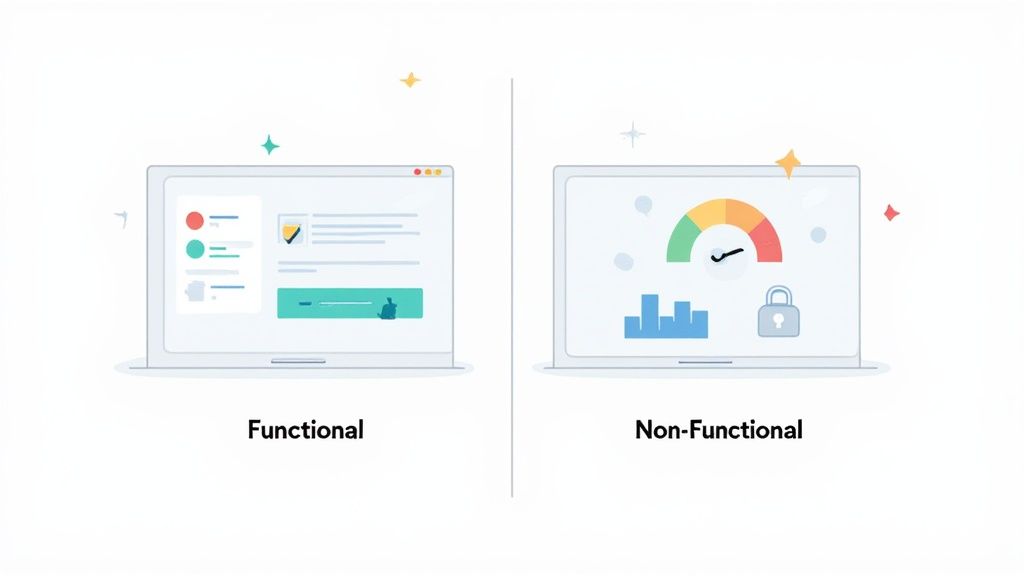
Getting this distinction right is absolutely critical for delivering a product that users will actually love and stick with. If you ignore one type of testing, you’re setting yourself up for failure. A feature-packed application that constantly crashes is just as frustrating as a rock-solid app that doesn’t do what it’s supposed to. To explore this further, check out our comprehensive overview of software testing.
For a quick reference, this table breaks down the essential differences between the two testing approaches.
| Attribute | Functional Testing | Non-Functional Testing |
|---|---|---|
| Purpose | To verify that each software feature behaves as specified in the requirements. | To test the application’s performance, reliability, security, and usability. |
| Focus | Checks the actions and operations of an application (the “what”). | Checks the behavior and quality of an application (the “how well”). |
| Timing | Can start early in the development cycle, as soon as individual features are ready. | Usually performed after functional testing is mostly complete. |
| Key Question | ”Does this feature work correctly?" | "How does the system perform under specific conditions?” |
This side-by-side view makes it clear how both are needed to build a complete quality picture.
The impact of getting this balance right is significant. Organizations that effectively integrate both types of testing report a 67% reduction in production issues and a 45% improvement in user satisfaction. These numbers show a clear link between a comprehensive testing strategy and real-world business success.
Functional testing isn’t one single action. It’s better to think of it as a series of layers, with each type of test building on the one before it. This layered approach ensures every part of the software, from tiny code snippets to the complete user journey, works exactly as it should. This step-by-step verification is a core difference when you compare functional testing vs non-functional testing.
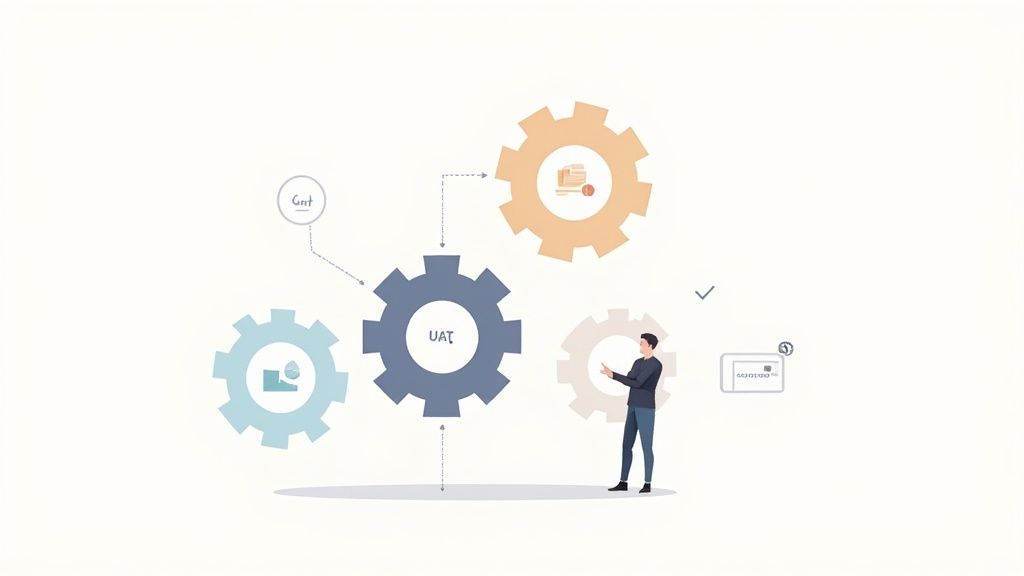
This structured validation is crucial. It stops small, isolated bugs from turning into system-wide failures down the line. Let’s break down the main types of functional tests.
Everything starts at the micro-level with Unit Testing. This is where developers check individual components or “units” of code in total isolation. The whole point is to make sure each little piece does its job correctly before it gets mixed in with everything else.
A classic example is testing a single function that checks password requirements. The test verifies that the function correctly rejects passwords that are too short or don’t have a special character. It’s simple, but essential.
Once we know the individual units are solid, we move on to Integration Testing. This is all about making sure different software modules or services can talk to each other and work together as a group. For instance, an integration test would check that when a user adds an item to their cart, the inventory service gets the message and updates its count correctly.
With components and their connections verified, it’s time to zoom out and look at the whole application with System Testing. This is true end-to-end testing on the complete, fully integrated software. The goal here is to see if it meets all the specified business requirements.
Think of testing an entire checkout flow on an e-commerce site. You’d start by adding a product to the cart, then enter shipping details, make a payment, and finally, get an order confirmation. This comprehensive test validates the complete user workflow from start to finish.
The final, and arguably most important, stage is User Acceptance Testing (UAT). This goes beyond technical correctness and into business validation. Here, actual end-users or client representatives test the software to make sure it meets their needs and can handle real-world tasks before it’s released.
UAT provides the answer to the ultimate question: “Does this software actually solve the problem we built it for?” It’s the final green light from business stakeholders, confirming the application is truly ready for deployment. These distinct layers—Unit, Integration, System, and UAT—create a solid framework for building functional software that is reliable and predictable for its users.
Think of it this way: functional testing verifies that an application’s features work, but non-functional testing ensures the application works well. It’s the difference between a car that starts and one that provides a smooth, safe, and enjoyable ride. We’re moving beyond simple pass/fail checks to measure the quality attributes that truly define the user experience.
These scenarios aren’t just technical checkboxes; they’re directly tied to real-world business outcomes.
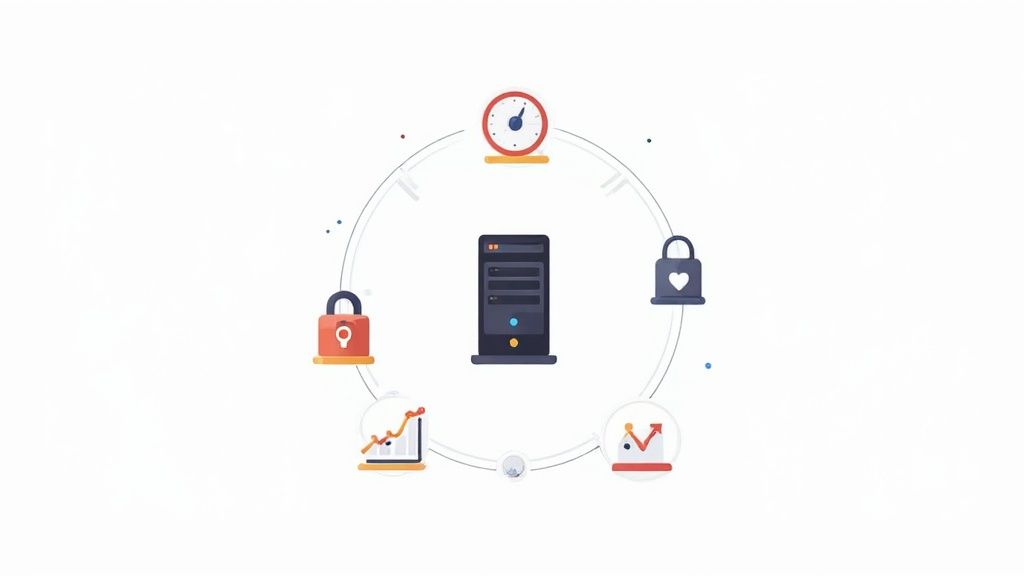
Ignoring these quality checks is a recipe for disaster. A slow, insecure, or confusing app will hemorrhage users, no matter how many shiny features it has. This can lead to serious reputational damage and lost revenue.
Performance Testing is easily one of the most critical non-functional disciplines. It’s all about evaluating how the system behaves under specific workloads to make sure it stays responsive and stable, even when things get busy. This area is broken down into a few key types:
With users expecting web pages to load in under three seconds, performance is non-negotiable. Modern teams often simulate high-stress events like Black Friday traffic spikes to proactively identify bottlenecks. Catching these issues early can slash future maintenance costs by up to 80%.
Right alongside performance, Security Testing is about finding and fixing vulnerabilities that attackers could exploit. This is crucial for protecting sensitive data and, by extension, building user trust. A data breach can be catastrophic for a business, making this kind of testing an absolute must for any application handling user information. For a deeper look, check out our guide on why performance testing is essential for modern applications.
Key Takeaway: Performance and security aren’t just technical details; they are fundamental business requirements. A single performance bottleneck or security flaw can completely undermine the value of otherwise perfect features.
Usability Testing zeroes in on the user experience (UX). It asks a simple but profound question: “Is this software actually easy and intuitive to use?” The goal here is to stamp out user frustration, shorten the learning curve, and ultimately drive down the number of support tickets.
This is often done by observing real users as they interact with the application. Testers look for confusing navigation, unclear instructions, or inefficient workflows that might trip someone up.
Finally, Reliability Testing confirms that the system can do its job without failing for a specified amount of time. It’s a measure of stability and consistency. A reliability test might involve running a critical business process on a loop for 24 hours straight to ensure no errors or slowdowns occur. This is absolutely vital for mission-critical systems where any downtime is simply not an option.
While functional and non-functional testing both work toward the same goal of improving software quality, they get there from completely different directions. The whole functional testing vs non functional testing conversation isn’t about which one is superior; it’s about understanding how their goals, metrics, and skill sets fit together to build a truly solid quality assurance strategy.
Functional testing is straightforward and binary. Its job is to confirm that the software does what the business requirements say it should do. Success is measured in simple pass/fail terms—either the login button works, or it doesn’t. This makes it a natural fit for QA analysts and developers who know the application’s intended logic inside and out.
On the other hand, non-functional testing is more about evaluation and measurement. It assesses how well the system operates under specific conditions. Instead of a clear pass or fail, its metrics are all about performance-based numbers like response time, error rate, or CPU utilization. This kind of work demands specialized skills, often from performance engineers or security experts who can read complex data to find system bottlenecks or security holes.
The way each approach handles automation also reveals a major difference. Functional test automation has reached a high level of maturity, with adoption rates between 70-90% for things like UI, API, and regression testing. The automation picture for non-functional testing is a bit more mixed. Performance testing is heavily automated with tools like JMeter, but security testing usually blends automated scanners with hands-on manual penetration testing. Usability testing, of course, still heavily depends on real human feedback.
This contrast carries over into how test cases are designed. Functional test cases come directly from user stories and requirements, focusing on specific inputs and their expected outputs. A typical test case might sound like this: “Given a valid username and password, when the user clicks ‘Submit,’ they are redirected to the dashboard.”
Non-functional test cases are built around workloads and environmental factors. A performance test case isn’t concerned with a single user’s action but with a broader scenario, like: “Simulate 5,000 concurrent users logging in over a 10-minute period and measure the average API response time.” To get a better sense of how these different techniques fit into a complete strategy, you can explore these proven quality assurance testing methods.
The Key Differentiator: Functional testing is about verification—checking that the software was built to spec. Non-functional testing is about validation—making sure the software meets user expectations for performance, security, and usability out in the real world.
To pull all these points together, the table below provides a detailed, side-by-side comparison across the most important dimensions. Think of it as a quick reference guide to understand the “how” and “why” behind each testing discipline, not just the “what.”
| Dimension | Functional Testing Approach | Non-Functional Testing Approach |
|---|---|---|
| Core Objective | Verify that features work as specified. | Evaluate system quality attributes like performance and security. |
| Primary Metrics | Pass/Fail status, defect counts. | Response time, throughput, error rates, resource utilization. |
| Required Skills | QA analysts, manual testers, SDETs with domain knowledge. | Performance engineers, security specialists, usability experts. |
| Test Case Design | Based on business requirements and user stories. | Based on performance goals, security threats, and usability heuristics. |
| Timing in SDLC | Can begin early, with unit and integration tests. | Typically performed after the system is functionally stable. |
This breakdown makes it clear that we’re not dealing with an either/or situation. Both testing types are essential, and a mature team knows how to weave them together to deliver software that is not only functional but also reliable, secure, and a pleasure to use.
https://www.youtube.com/embed/u6QfIXgjwGQ
A solid testing strategy is only as good as the tools you use to execute it. When it comes to functional and non-functional testing, the toolsets are fundamentally different because they’re designed to answer completely different questions about your software. Making the right call means weighing your team’s expertise, the project’s scale, and how smoothly these tools will fit into your existing workflow.
When we look at the functional testing vs non functional testing toolkits, functional tools are all about validating behavior. Think of automation frameworks like Selenium or Cypress. Both automate browser actions, but they fit different scenarios. Selenium is the workhorse—versatile and language-agnostic, it’s built for large-scale, complex projects. Cypress, on the other hand, offers a more modern, developer-centric experience that’s often a better fit for fast-moving web app development.
Non-functional tools are built to measure system attributes. For performance testing, you’ll see tools like JMeter and Gatling used to simulate heavy user traffic and pinpoint performance bottlenecks. These aren’t just run occasionally; they’re typically wired directly into the CI/CD pipeline to give immediate feedback on how new code affects system stability and responsiveness.
One of the biggest drags on functional testing has always been the sheer time it takes to write and maintain test scripts. This is exactly where AI-powered platforms are changing the game.
By automating the generation of end-to-end functional tests, AI tools like TestDriver can drastically reduce the manual effort required from QA teams. This frees up valuable engineering resources, allowing them to shift their focus toward more complex and nuanced non-functional concerns like performance tuning and security hardening.
This shift in resource allocation is a massive win. While AI handles the heavy lifting of building out comprehensive functional test suites, your engineers can apply their deep expertise to ensuring the application is not just working, but also fast, secure, and reliable under stress. If you’re looking for more guidance, our guide on how to choose the right tools for software testing can help you navigate these choices.
Adopting this modern approach creates a far more efficient and balanced QA process. Teams can get broad functional test coverage in a fraction of the time, which allows them to invest the specialized skills and effort needed for critical non-functional checks. The end result is a much higher-quality product.
It’s a common mistake to see functional and non-functional testing as separate, competing activities. In reality, they are two sides of the same quality coin. A mature quality assurance process doesn’t just ask, “Does it work?” It also asks, “Does it work well?” The most successful teams don’t separate these concerns—they integrate them.
This integration has to start early. Right from the beginning, non-functional requirements (NFRs) should be defined with the same seriousness as functional specs. If you wait until the end of the development cycle to think about performance or security, you’re setting yourself up for expensive, painful fixes.
An NFR like, “the application must respond within 2 seconds under 1,000 concurrent users,” isn’t a “nice-to-have.” It’s a core product requirement.
The CI/CD pipeline is where this unified approach really comes to life. You need continuous validation for both types of testing built right into your automated workflows.
This setup ensures every build is checked for both what it does and how well it does it. You can then reserve the more resource-intensive load tests for staging or pre-production environments.
A truly effective strategy is always guided by risk. The high-traffic user journeys or the parts of your app that handle sensitive data deserve far more intense scrutiny—both functionally and non-functionally—than less critical areas.
This risk-based thinking stops teams from wasting time over-testing low-impact features while accidentally under-testing the parts of the system that could actually fail. To really elevate your approach, exploring Advanced Automated Testing Strategies is a must for creating a unified strategy that not only prevents bugs but also delivers a truly exceptional user experience.
When you get down to the brass tacks of testing, some practical questions always come up. Here are some straightforward answers to the most common queries I hear about functional and non-functional testing.
Technically, yes, but it’s not a common practice—and for good reason. You could, for instance, design a test to confirm a file upload works correctly (the functional part) while also timing how long it takes on a slow network (the non-functional part).
The problem is, this muddies the waters. If the test fails, what’s the root cause? Is the feature broken, or is performance just bad? It’s almost always better to keep these tests separate for cleaner results and much easier debugging.
You should start thinking about non-functional requirements (NFRs) right from the get-go, just as you do with functional ones. Don’t wait until the end.
While it’s true that full-scale load testing usually happens once the application is stable, you can integrate smaller-scale performance and security checks into your CI/CD pipeline much earlier. This “shift-left” approach is about catching performance bottlenecks or vulnerabilities before they become major, costly problems baked into the code.
This simple process shows how to embed NFRs into your workflow from the start.
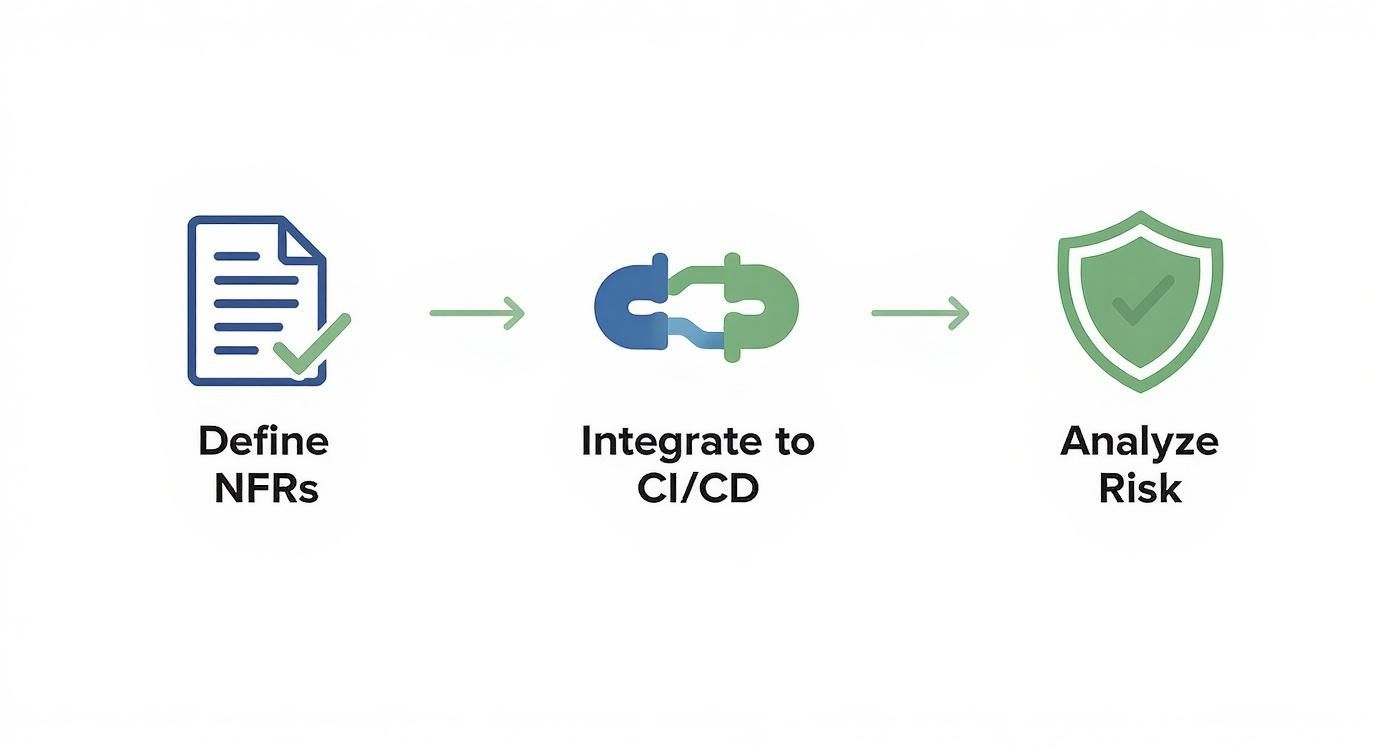
It all comes down to defining your needs early, integrating checks continuously, and always analyzing the potential risks.
Prioritization always comes down to one thing: business and user impact. A show-stopping functional bug, like a checkout process that’s completely broken, is obviously an all-hands-on-deck situation.
But a critical security flaw or a performance issue causing a 50% drop in conversions can be just as damaging. Don’t fall into the trap of automatically de-prioritizing non-functional bugs.
Use a risk-based approach. Ask two questions: what’s the likelihood of this defect happening, and what’s the damage if it does? A high-impact, high-likelihood bug—functional or not—should always jump to the front of the line. Your revenue, reputation, and user trust depend on it.
Accelerate your testing and get back to building. With TestDriver, you can generate comprehensive end-to-end functional tests from a simple prompt, freeing up your team to focus on critical performance and security validation. Create your first AI-powered test in minutes.
Explore our definitive guide on white box vs black box testing. Learn key differences, practical applications, and how to choose the right strategy.
This article explores the crucial attributes and responsibilities of a software testing specialist, highlighting their impact on software quality.
Explore the critical concepts of Verification and Validation in software testing and their significance in delivering quality products.
Discover how quality assurance in software development works. Learn modern QA processes, key testing types, and how AI is revolutionizing software delivery.
TestDriver runs every pull request in a real desktop sandbox, finds bugs, and builds regression tests - right from your repo.