How to Create a Test Case That Actually Works
Learn how to create a test case that drives quality. This guide breaks down test case writing with real examples, common mistakes, and modern QA strategies.
Discover how are test cases written for modern software. This guide covers manual best practices and how to leverage AI for faster, smarter QA testing.
Automate and scale manual testing with AI ->
Let’s be honest, writing test cases used to be a real grind. It was a painstaking, manual chore of documenting every single click, every input, and every possible outcome. The process was slow, and the resulting test scripts were often fragile.
But things are changing. Now, with modern tools, writing a test case is more about describing a user’s goal in plain English.
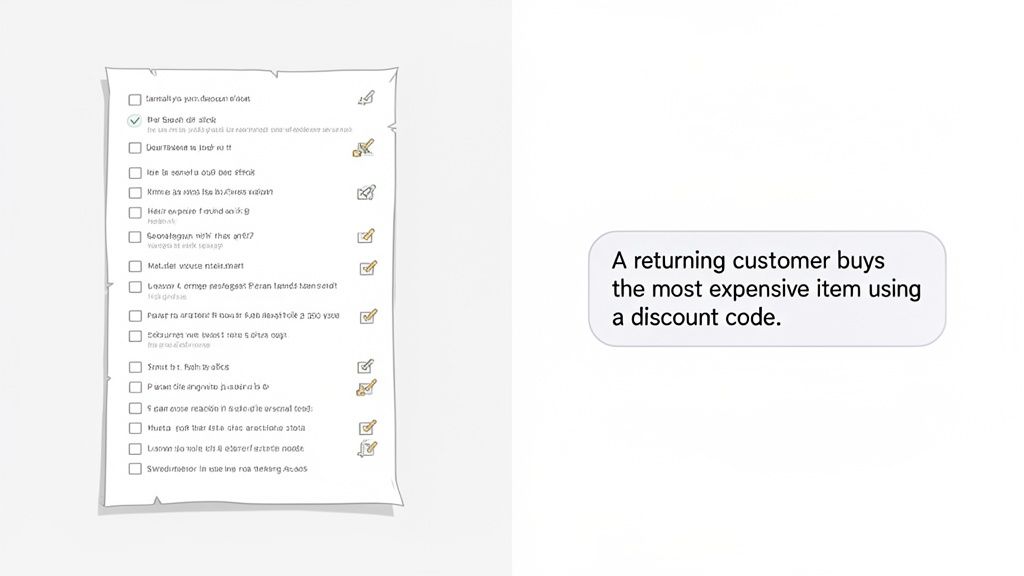
The game has completely changed. Instead of scripting out a rigid, 20-step checkout process, you can just write something like, “A returning customer buys the most expensive item using a discount code.” This fundamental shift from brittle scripting to intelligent, goal-oriented prompting is at the core of modern quality assurance.
This guide will walk you through the timeless principles of good test design and the AI-driven techniques that are reshaping the future of QA. You’ll learn how to write far better tests in a fraction of the time.
This move toward smarter test creation isn’t just about following a trend. It’s a necessary response to the relentless pressure for faster software delivery. For years, manual test case creation has been a major bottleneck in the development lifecycle.
Think about it: writing test cases has historically eaten up to 35% of total development time. But now, industry predictions suggest 70% of enterprises will adopt AI-driven testing, speeding up their delivery cycles by 30-40% while improving accuracy at the same time.
This evolution is critical for any team trying to keep up. It lets you redirect precious engineering hours away from tedious script maintenance and toward more strategic quality initiatives.
The real goal isn’t just to write test cases faster. It’s to create more meaningful, comprehensive, and resilient tests that actually protect the user experience.
By embracing this new approach, teams can achieve better test coverage with far less effort. That means you can focus on what really matters—shipping high-quality software with confidence.
Ultimately, the key is learning how to blend classic testing principles with the efficiency of AI. You’ll learn not just how to write powerful prompts, but also how to validate their outputs, ensuring your automated tests are as smart and reliable as your best manual testers. If you want to explore this topic further, you might be interested in our guide on transforming quality assurance with AI.
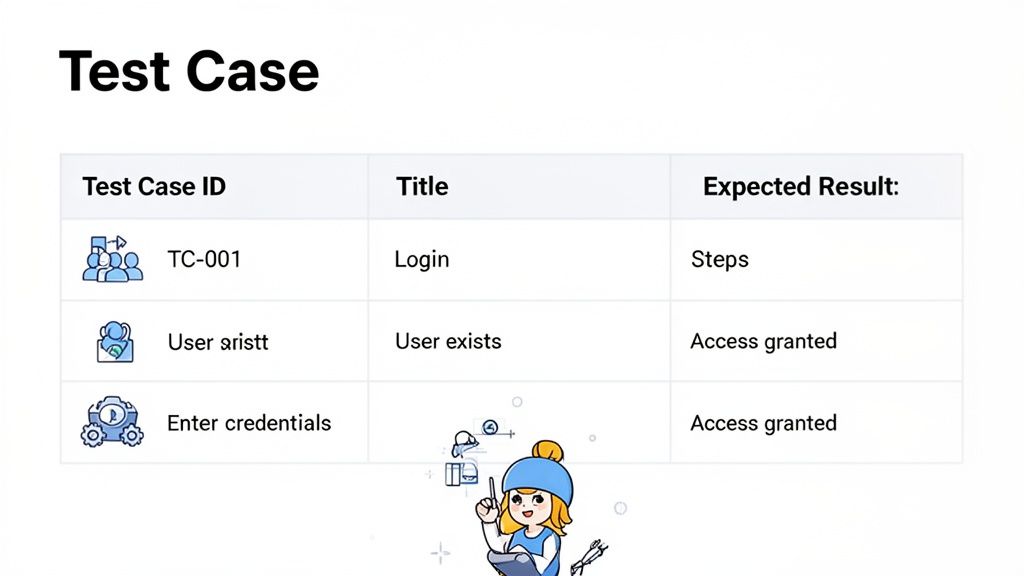
Whether you’re writing test cases by hand or using AI to generate them, the fundamental ingredients of a high-quality test don’t change. Getting these core components right is what separates a truly useful test from one that just checks a box.
Frankly, a weak test is often worse than no test at all—it creates a dangerous false sense of security.
The ultimate goal is to craft a clear, repeatable, and unambiguous set of instructions that anyone on the team can pick up and execute. When a test fails, there should be zero debate about whether it’s a genuine bug or just a poorly written test case.
So, what does a test case that actually works look like? Let’s break down its anatomy. These elements aren’t just bureaucratic fluff; each one serves a critical purpose in making your entire testing process more efficient and reliable.
Think of a well-structured test case as a precise contract between a feature’s requirements and its real-world implementation. If that contract is solid, you can hold the software accountable.
A truly robust test case needs to have a few key things in place. You can’t just wing it. Each element builds on the last, creating a complete picture for the person running the test.
Here’s a quick breakdown of what every test case should include to be considered effective. We’ll get into the “why” behind each of these in a moment.
| Component | Purpose | Best Practice Example |
|---|---|---|
| Test Case ID | Provides a unique, traceable identifier. Essential for bug tracking, reporting, and regression analysis. | TC-LOGIN-001 |
| Title/Summary | Gives a quick, high-level understanding of what the test is designed to verify. | ”Verify successful login with valid credentials” |
| Preconditions | Lists the necessary system states or data required before the test can begin. | ”User account testuser@example.com exists and is active.” |
| Test Steps | A clear, numbered sequence of actions a tester must perform. Each step should be a single, distinct action. | 1. Navigate to the login page. 2. Enter user@test.com into the email field. |
| Expected Results | Describes the exact outcome the system should produce after performing the test steps. Unambiguous and verifiable. | ”User is redirected to the dashboard and a ‘Welcome!’ message is displayed.” |
Getting these components right transforms a test from a vague idea into a powerful validation tool. For a deeper dive, check out our guide on the best practices for structuring effective test cases.
Now, let’s see how this all comes together in a practical sense. Imagine you’re testing a simple login flow. A poorly written test case might just be a jumble of ambiguous notes, making it almost impossible to execute consistently.
A great test case tells a clear story. It has a beginning (Preconditions), a middle (Test Steps), and an end (Expected Results). If any part of that story is missing or confusing, the plot falls apart, and your bug hunt becomes a wild goose chase.
For instance, you might see something this vague floating around:
This is completely useless. Which user? What credentials? What does “it works” even mean? No one can reliably run this test, and two different people would likely get two different results.
Now, let’s rewrite it into something that provides real value.
A Better Test Case Example:
TC-LOGIN-001standard.user@test.com and password ValidPass123! exists in the system.Navigate to the login page.
Enter standard.user@test.com into the email field.
Enter ValidPass123! into the password field.
Click the “Log In” button.
Expected Result: The user is successfully authenticated and redirected to the main dashboard, displaying a “Welcome, Standard User!” message.
See the difference? This version is unambiguous, repeatable, and directly verifiable. This is how you write a test case that actually helps improve software quality.
Before you can even think about automating tests or writing smart AI prompts, you have to get the fundamentals right. And that means understanding what separates a decent test from a great one. Mastering how to write a solid manual test case is the bedrock of quality assurance—it builds the critical thinking you’ll need for everything else.
It all starts before you even write the first step. The first question I always ask myself is, “What are we really trying to validate here?” This means getting crystal clear on the feature’s scope and what it’s supposed to achieve. A fuzzy scope is the fastest way to write bloated test cases that somehow still miss the most important bugs.
Once you know your boundaries, the real fun begins: brainstorming test scenarios. This is where you have to get creative and put yourself in the shoes of different users. Think about everyone from a first-time visitor to a seasoned power user who knows all the shortcuts.
To really put a feature through its paces, you need to go beyond the perfect user journey. The best testers I know always think in three distinct categories:
Let’s use a classic e-commerce “Add to Cart” function as our playground to see how these ideas turn into actual tests.
A well-written manual test case is not just a set of instructions; it’s a hypothesis. You are proposing, “If a user performs these specific actions, then the system should behave in this precise way.” Your job is to prove or disprove that hypothesis.
To avoid writing hundreds of repetitive test cases, you can lean on proven test design techniques. These methods are all about working smarter, not harder, helping you get better test coverage with fewer, more strategic tests. This is a non-negotiable skill if you want to understand how test cases are written with professional rigor.
Two of the most valuable techniques you’ll ever learn are Equivalence Partitioning and Boundary Value Analysis.
By blending creative scenario brainstorming with logical techniques like these, you start building a test suite that’s both deep and lean. This is the foundation that will empower you to not only write better manual tests but, eventually, more effective automation and AI prompts, too.
This is the moment where all that hard-won knowledge from manual testing really pays off. Moving to an AI-powered testing tool isn’t about throwing out your skills; it’s about giving them a serious upgrade. Think of it as freeing yourself from the endless, mind-numbing cycle of script maintenance.
Tools like TestDriver are designed to take your understanding of user intent and do the heavy lifting. Instead of documenting every single click, tap, and keystroke, you start thinking in terms of what the user is actually trying to accomplish. Your deep knowledge of what makes a test case effective is just applied in a much smarter, faster way.
This change in mindset is a massive productivity booster. When you focus on the “what” instead of the “how,” you can cover way more ground with far less effort.
Putting this into practice is surprisingly straightforward. You simply take a complex user journey and describe it in a plain-English prompt.
Let’s walk through a real-world scenario. You need to validate the abandoned cart flow for a brand-new user. If you were doing this manually, you’d be scripting out a whole sequence of actions: loading the site, navigating to the sign-up page, creating an account, finding a product, adding it to the cart, and then intentionally leaving the site.
With an AI-powered tool, your instruction becomes much simpler:
That single sentence is all it takes to generate a complete end-to-end test—something that could easily take hours to script by hand. This is how you can directly convert high-level product requirements into functional tests, closing the gap between what the business wants and what the code actually does.
The real magic of AI in testing is its ability to understand human intent and turn it into machine execution. Your strategic insights about user behavior become the direct input for building solid, automated test suites.
This shift is part of a much bigger trend. The automation testing market is on track to hit an incredible $29.29 billion, and recent data shows that 75% of enterprise software engineers will soon use AI code assistants. That’s a huge leap from less than 10% just a few years back. Low-code platforms are a big piece of this puzzle, helping teams speed up their workflows by as much as 50%. You can dig into more software testing statistics to see just how these trends are shaping the entire industry.
Ultimately, the single greatest benefit here is the time you get back. All those hours once spent writing, debugging, and maintaining fragile test scripts can now be put to better use—tackling the kinds of problems where human creativity and intuition truly shine.
This efficiency breaks the script-maintenance cycle for good. It allows QA professionals to focus on higher-value work, like diving deep into exploratory testing, uncovering subtle usability flaws, and contributing to product quality on a much more strategic level. It shifts the role of QA from being a final gatekeeper to being a proactive partner in building incredible software.
Alright, so you’re ready to get the AI doing the heavy lifting. That’s the whole point, right? But getting it to generate good tests—the kind that actually catch bugs—is a bit of an art. Think of it less like giving a computer a command and more like briefing a junior tester. The better your instructions, the better their work.
The secret sauce is context. An AI doesn’t know your application’s business logic, user personas, or what “success” even looks like unless you tell it. Vague prompts lead to vague, often useless tests.
A prompt like “Test the login” is a perfect example of what not to do. It’s too generic. An AI might test a successful login, but what about a failed one? What about an admin user versus a guest?
Let’s make it better. Instead of “Test the login,” try: “As an admin user, log in with valid credentials and verify that the main dashboard is displayed.” See the difference? Just that little bit of detail tells the AI the user role and the specific expected outcome.
This same idea scales up to more complex features. Let’s say you’re working on e-commerce filters. Don’t just say, “Test the search filter.” Get specific with it:
Now you’ve got a real test case on your hands. It’s targeted, it’s verifiable, and it’s something that provides actual value.
Let’s walk through another real-world example: the checkout flow. This is where bugs can get expensive, so precision matters.
A Simple (and not very good) Prompt:
“Test the checkout calculation.”
An Advanced (and much better) Prompt:
“As a logged-in customer in California, add three items to the cart, apply a 15% discount code, and proceed to checkout. Verify the subtotal is correct, the discount is applied properly, and the final total includes the calculated California sales tax.”
The advanced prompt is miles ahead. It gives the AI everything it needs: the user’s role, their location (which is critical for tax calculations), the exact actions to take, and a list of specific things to check. This is how you turn a single instruction into a robust test that covers multiple business rules at once.
This transition from manual grunt work to a more strategic, AI-driven approach is a game-changer.
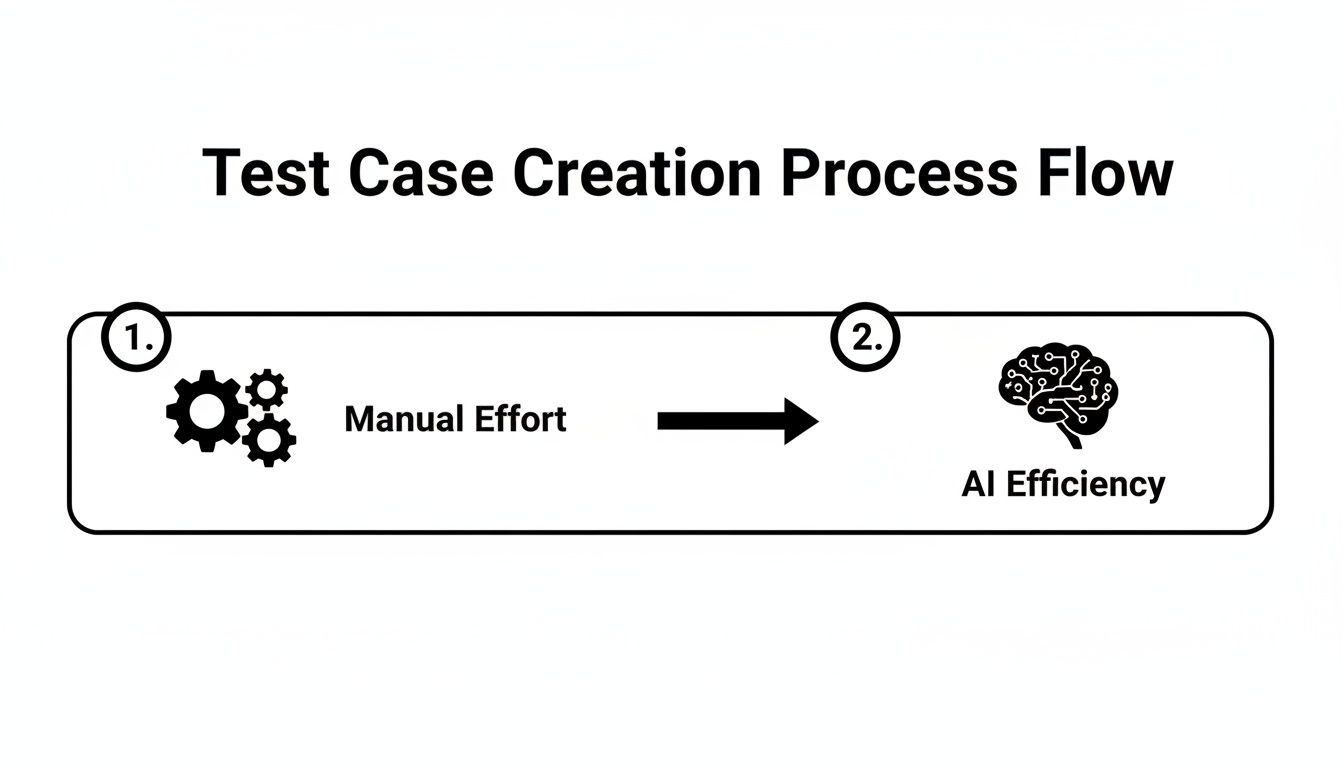
The real power here is that the AI takes your high-level intent and translates it into all the detailed, executable steps. You focus on the “what,” and it handles the “how.”
This is all part of a bigger shift in the world of QA. The technology behind this, known as Generative AI, is what makes it possible to turn plain English into complex automated tests. Getting good at writing these prompts means you can directly convert business requirements into reliable automation.
Want to take it a step further? Check out our guide on https://testdriver.ai/articles/maximizing-your-ai-testing-efficiency-with-saved-prompts for some more advanced strategies.
As you get deeper into writing test cases, you’ll notice the same questions pop up time and again. It doesn’t matter if you’re a seasoned QA pro or just starting out—everyone hits these common hurdles. Let’s clear up some of the most frequent points of confusion.
One of the first things to get straight is the difference between a test case and a test scenario. They sound similar, but they play very different roles in your testing process. Nailing this distinction is fundamental to building a solid testing strategy.
I like to think of it like this: a Test Scenario is the what. It’s a high-level goal you want to check, a broad statement of intent. A perfect example is something like, “Verify user login functionality.”
A Test Case, on the other hand, is the how. It’s the nitty-gritty, step-by-step procedure for testing that scenario. That single “login” scenario can (and should) spawn a whole family of test cases.
For instance:
Getting this right from the start helps you organize your entire test suite and makes it so much easier to see if you’ve truly covered all the bases for a new feature.
Ah, the classic question. If I had a dollar for every time I’ve heard this… The truth is, there’s no magic number. The real goal is quality coverage, not sheer quantity. Instead of chasing a specific count, you should be focused on testing every critical path a user might take.
A robust test suite really needs to hit these three areas:
Techniques like Boundary Value Analysis can help you build a lean but powerful suite. And these days, AI tools can be a huge help by generating a ton of scenarios you might not have thought of, giving you better coverage without a bunch of redundant, low-value tests.
The right number of test cases is the minimum number needed to feel confident that the feature works and won’t break in the wild. It’s all about strategic validation, not just hitting a quota.
AI is a massive accelerator, but it isn’t a silver bullet that replaces human expertise. Not yet, anyway. It’s fantastic at churning out repeatable, structured tests for things like regression suites and standard user flows, which frees up an incredible amount of time. That’s where you see the biggest wins.
But human insight is still essential for certain tasks. Things like exploratory testing, giving nuanced usability feedback, or coming up with creative tests for really complex, ambiguous features—that’s where a human tester’s intuition is still king.
The smartest approach is a partnership. Let AI do the heavy lifting and structured automation. This empowers your human experts to focus on the strategic, high-impact quality work that machines just can’t do.
Stop scripting and start prompting. With TestDriver, you can generate comprehensive end-to-end tests from simple, plain-English descriptions. Reduce manual effort and expand your test coverage today at https://testdriver.ai.
Learn how to create a test case that drives quality. This guide breaks down test case writing with real examples, common mistakes, and modern QA strategies.
Learn how to write a test case that's clear, effective, and ready for AI automation. This guide covers structure, examples, and pro tips.
Explore every phase of the software testing life cycle (STLC). This guide breaks down each step, from planning to AI integration, for smarter and faster QA.
Explore the real differences in manual vs automated software testing. Our guide covers costs, ROI, and when to use each for optimal software quality.
TestDriver runs every pull request in a real desktop sandbox, finds bugs, and builds regression tests - right from your repo.