Explore user acceptance testing best practices for faster QA & launch
Discover user acceptance testing best practices to streamline QA, catch bugs early, and ensure a smooth product launch. Learn proven UAT strategies today.
Explore user stories examples with acceptance criteria and learn how to write clear, testable stories with ready-to-use templates.
Automate and scale manual testing with AI ->
A well-crafted user story bridges the gap between a user’s need and the developer’s task list. But a story without clear, testable acceptance criteria is just a wish. It leaves ambiguity for developers, creates friction for QA engineers, and ultimately risks delivering the wrong feature. This is where a tactical approach to documenting requirements makes a critical difference. Strong acceptance criteria act as a contract, defining exactly what “done” means for everyone involved.
This guide provides a comprehensive breakdown of practical user stories examples with acceptance criteria, showing you not just what to write, but how to write it for maximum clarity and testability. We’ll explore 8 common scenarios, from user registration and product search to payment processing and order history. Each example is designed to be a blueprint you can adapt for your own projects.
By the end, you’ll have a repeatable framework for creating stories that accelerate development, improve release quality, and ensure the entire team is aligned on building the right product. You will see how to convert these requirements into Gherkin-style scenarios and executable test prompts, making the leap from story to automated validation seamless. Let’s dive into the examples.
The user registration story is the cornerstone of most applications, serving as the digital handshake between a new user and the product. It’s a foundational flow that establishes identity, secures access, and begins the user relationship. A poorly executed registration process can create immediate friction and lead to high bounce rates, making it a critical area for well-defined user stories and acceptance criteria.
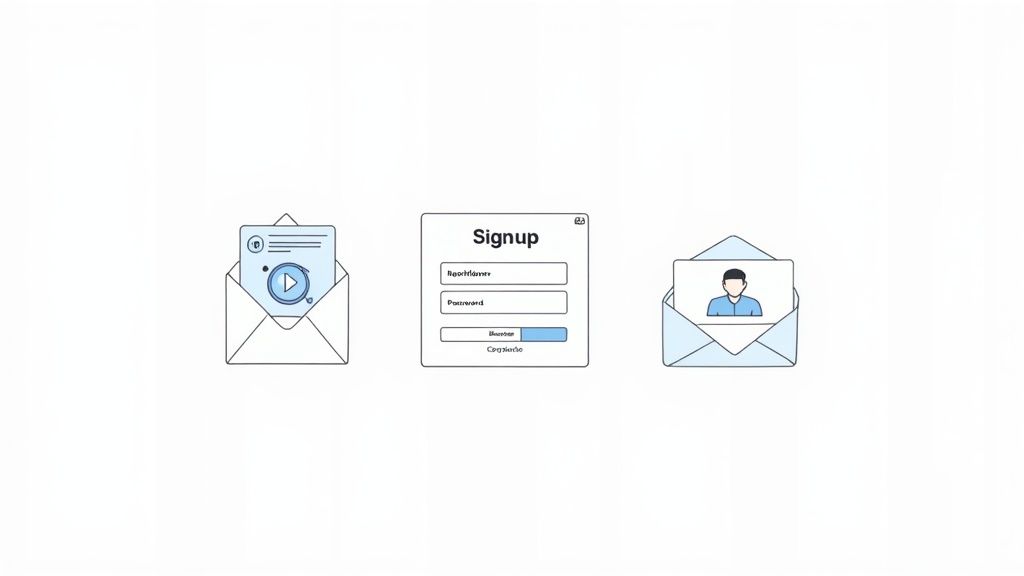
As a first-time visitor, I want to create a new account using my email and password so that I can access the platform’s features.
This is one of the most vital user stories examples with acceptance criteria because it validates the primary entry point for users.
This scenario translates the acceptance criteria into a concrete, testable format, perfect for automation frameworks like Cucumber or for generating an end-to-end test.
Scenario: Successful new user registration
Given the user is on the signup page
When the user enters “new.user@example.com” into the email field
And the user enters “Password123” into the password field
And the user enters “Password123” into the confirm password field
And the user clicks the “Sign Up” button
Then the system should display a success message
And the user should be redirected to the “/verify-email” page
TestDriver E2E Prompt: Verify a new user can successfully register by filling out the signup form with valid credentials ("new.user.test@example.com", "SecurePass!1") and is then redirected to the email verification page.
For e-commerce sites and content-heavy platforms, the product search and filtering story is the engine of discovery. It bridges the gap between user intent and the desired item, directly impacting conversion rates and user satisfaction. A clunky or inaccurate search function frustrates users and leads to abandonment, making this a high-stakes area for precise user stories and acceptance criteria.

As a customer, I want to search for “laptops” and filter the results by “Brand” and “Price” so that I can quickly find a product that meets my specific needs and budget.
This is one of the most impactful user stories examples with acceptance criteria because it defines the core shopping experience. When defining these criteria, incorporating ecommerce site search best practices is crucial for building a feature that users love.
This Gherkin scenario makes the multi-step filtering process explicit, providing a clear path for automated testing. It is also important to test how the search bar handles edge cases; you can learn more about testing search functionality for special characters.
Scenario: Search for a product and apply multiple filters
Given the user is on the “/products” page
When the user enters “laptops” into the search input
And the user clicks the “Search” button
And the user checks the “Brand: ExampleBrand” filter checkbox
And the user checks the “Price: $500-$1000” filter checkbox
Then the system should display product results for “ExampleBrand” laptops within the specified price range
And the system should show “2 filters applied”
TestDriver E2E Prompt: Navigate to the products page, search for "laptops", then apply the "Brand: ExampleBrand" and "Price: $500-$1000" filters, and verify that only relevant products are displayed on the results page.
User authentication is the gatekeeper of any application, responsible for verifying a user’s identity before granting access. This story moves beyond initial registration to cover the routine, security-critical process of logging in. A seamless and secure login flow is essential for building user trust and protecting sensitive data from unauthorized access.
As a returning user, I want to log in securely with my email and password so that I can access my personal dashboard and data.
This is a fundamental example among user stories examples with acceptance criteria as it safeguards user accounts and platform integrity.
This scenario outlines the “happy path” for a successful login, which is the most common and critical flow to test. Developers and QA engineers must also address common login issues like incorrect passwords or locked accounts.
Scenario: Successful user login with valid credentials Given the user has an existing account with email “returning.user@example.com” and password “Password123”
And the user is on the login page
When the user enters “returning.user@example.com” into the email field
And the user enters “Password123” into the password field
And the user clicks the “Log In” button
Then the user should be redirected to the “/dashboard” page
And the system should display a welcome message, “Welcome back!”
TestDriver E2E Prompt: Verify an existing user ("returning.user.test@example.com", "SecurePass!1") can log in successfully and is redirected to their personal dashboard.
The shopping cart is the central hub of any e-commerce experience, acting as a temporary holding area for items a user intends to buy. This flow is critical for conversions, as a clunky or confusing cart experience directly leads to lost sales. Well-crafted user stories ensure the process of adding, modifying, and viewing items is seamless, transparent, and builds trust with the customer.
As an online shopper, I want to add an item to my shopping cart and adjust its quantity so that I can review my selections and total cost before purchasing.
This is a foundational piece in any list of user stories examples with acceptance criteria for e-commerce. When defining criteria, it is essential to consider the user journey and potential drop-off points. Exploring strategies to reduce shopping cart abandonment can reveal key user frustrations to address directly in your acceptance criteria.
This Gherkin scenario tests the core functionality of adding an item and ensuring the cart state is updated correctly across the application.
Scenario: Add a product to the shopping cart
Given the user is on the product page for “Product-A”
When the user clicks the “Add to Cart” button
Then the cart quantity indicator should show “1”
And a success message “Product-A was added to your cart” should be displayed
TestDriver E2E Prompt: Navigate to a product page, add the item to the cart, go to the cart page, update the item's quantity to 2, and verify that both the line-item price and the cart subtotal update correctly.
This user story represents the ultimate conversion point in any e-commerce or transactional platform. It’s where a user’s intent to purchase transforms into a successful business transaction. Getting the order placement and payment processing flow right is critical, as any friction, confusion, or lack of trust can lead directly to cart abandonment and lost revenue. A well-crafted story ensures this final step is seamless, secure, and reassuring for the user.
As a registered customer, I want to securely pay for the items in my cart using my credit card so that I can complete my purchase and receive my order.
This is one of the most commercially critical user stories examples with acceptance criteria as it directly validates the platform’s revenue stream and ensures PCI compliance.
This scenario models the “happy path” for a successful transaction. Rigorous testing should also cover failure scenarios, such as declined cards or gateway errors.
Scenario: Successful credit card payment for an order
Given the user is on the “/checkout” page with items in their cart
When the user fills in valid shipping information
And the user enters valid credit card credentials into the payment form
And the user clicks the “Place Order” button
Then the system should process the payment successfully
And the user should be redirected to the “/order-confirmation” page
And the page should display a unique order number
TestDriver E2E Prompt: Navigate to the checkout page, fill in the shipping address, use a test credit card (e.g., a valid Stripe test card) to complete the payment form, and verify that after submitting the order, the user is redirected to a confirmation page that shows a valid order number.
The user profile section is a critical hub for personalization and account control. It empowers users to manage their personal information, set preferences, and secure their account. A well-designed settings area builds trust and gives users a sense of ownership, making it essential for long-term engagement and compliance with data privacy regulations like GDPR.
As an authenticated user, I want to update my personal information and change my password so that I can keep my account details accurate and secure.
This is one of the most important user stories examples with acceptance criteria for ensuring user autonomy and data integrity.
This scenario provides a clear, testable path for verifying that users can securely manage their own account data, a fundamental feature for any application.
Scenario: Successful update of user profile and password
Given the user is logged in and on the “/settings/profile” page
When the user enters “Jane Doe” into the name field
And the user enters their current password into the verification field
And the user enters “NewSecureP@ssw0rd” into the new password field
And the user enters “NewSecureP@ssw0rd” into the confirm new password field
And the user clicks the “Save Changes” button
Then the system should display the message “Profile updated successfully”
And the user’s name in the navigation bar should be updated to “Jane Doe”
TestDriver E2E Prompt: As an authenticated user, navigate to the account settings page, update the profile name to "Chris Smith", change the password to "UpdatedPass!234", and verify that a success notification appears and the changes are reflected.
For any e-commerce or service-based platform, the post-purchase experience is as crucial as the sale itself. This user story focuses on providing customers with transparency and control over their orders, building trust and significantly reducing the load on customer support channels. A clear, accessible order history and tracking system empowers users and keeps them informed.
As a customer, I want to view my past order history and track the status of my current orders so that I can know when to expect my delivery and review my previous purchases.
This is one of the most important user stories examples with acceptance criteria for e-commerce, as it directly impacts customer satisfaction and retention.
This scenario verifies that a user can access their order history and view the details of a specific purchase, a critical post-purchase user flow.
Scenario: View details of a past order
Given the user is logged in and has existing orders
When the user navigates to the “/account/orders” page
And the user clicks on the order with ID “ORD-98765”
Then the system should display the order details page for “ORD-98765”
And the page should contain the item “Product XYZ”
And the page should show the order status as “Shipped”
TestDriver E2E Prompt: As a logged-in user with existing order history, verify that I can navigate to the order history page, click on a specific order, and see its detailed information, including the correct product names and shipping status.
The ability for users to submit reviews and ratings is crucial for e-commerce, service platforms, and any application where user feedback builds trust and informs decisions. This user story enables customers to share their experiences, providing valuable social proof that can significantly influence other users’ behavior. A clear and frictionless review submission process encourages participation and generates a steady stream of authentic user-generated content.
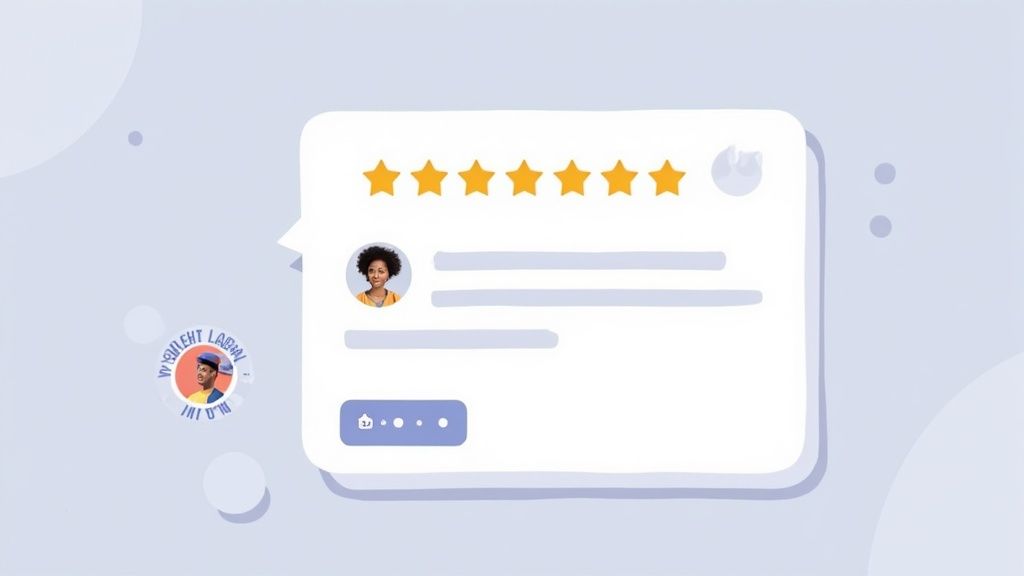
As a customer who has purchased a product, I want to submit a star rating and a written review so that I can share my experience with other potential buyers.
This is one of the most impactful user stories examples with acceptance criteria as it directly relates to building community trust and providing critical decision-making information for new users.
This Gherkin scenario outlines a clear test case for the review submission flow, ensuring the core functionality works as expected from the user’s perspective.
Scenario: A verified customer successfully submits a product review
Given the authenticated user has purchased “Product XYZ”
And the user is on the “Product XYZ” details page
When the user selects a “5-star” rating
And the user enters “This product was excellent and exceeded my expectations!” into the review text field
And the user clicks the “Submit Review” button
Then the system should display the message “Thank you, your review is pending approval.”
TestDriver E2E Prompt: As a logged-in user who has purchased the "Pro Blender," navigate to its product page, submit a 4-star rating with the review text "Great blender, very powerful.", and verify that a submission confirmation message is displayed.
| User story | 🔄 Complexity | ⚡ Resource needs | ⭐ Expected outcome | 📊 Ideal use cases | 💡 Key advantage / tip |
|---|---|---|---|---|---|
| User Registration and Account Creation | Low–Medium — standard flows, plus edge-case & security checks | Low — DB, email service, basic auth backend | High — enables onboarding and user identity capture | Universal for SaaS, marketplaces, apps requiring accounts | Email verification, progressive profiling, clear password rules |
| Product Search and Filtering | High — complex queries, faceting, many edge cases | High — search engine (Elasticsearch/Solr), indexing, cache | Very high — improves discovery and conversion rates | E‑commerce, large catalogs, media/content platforms | Autocomplete, analytics-informed indices, typo tolerance |
| User Authentication and Login | Medium–High — secure session & reset workflows, MFA options | Medium — auth service, token store, MFA/OAuth providers | Critical — protects user data and platform integrity | Finance, enterprise, any app requiring secure access | Hash passwords, rate limit, HTTPS, offer MFA/passwordless |
| Shopping Cart Management | Medium — inventory sync, concurrency, persistence | Medium — session/persistent storage, inventory service | High — directly impacts revenue and checkout readiness | Online retail, marketplaces, stores with variable stock | Server-side validation, persistent carts, mobile optimization |
| Order Placement and Payment Processing | High — payment integration, compliance, error handling | High — payment gateways, tokenization, fraud tooling, PCI scope | Highest — completes conversions and revenue events | Any transactional e‑commerce or paid services | Tokenize cards, minimize steps, follow PCI DSS, test failures |
| User Profile and Account Settings Management | Low–Medium — sensitive data and preference handling | Low — storage for profile data/media, settings service | Medium — improves retention and user control | Social platforms, SaaS, services requiring personalization | Audit trails for sensitive changes, confirmation flows, export data |
| Order History and Tracking | Low–Medium — carrier integrations and sync challenges | Medium — carrier APIs, notifications, persistent order store | High — reduces support load and increases trust | E‑commerce, logistics platforms, marketplaces | Visual timelines, carrier integrations, proactive notifications |
| Product Review and Rating Submission | Medium — moderation, authenticity checks, UGC handling | Medium — storage, moderation tools, verification systems | High — increases conversions via social proof and content | Marketplaces, retail sites, local services and listings | Verified purchaser checks, moderation workflow, rating distribution visualization |
We’ve explored a comprehensive set of user stories examples with acceptance criteria, moving from fundamental user actions like registration and login to complex workflows like payment processing and profile management. The journey through these examples reveals a powerful, unifying truth: a well-crafted user story is much more than a requirement. It is a blueprint for development, a contract for quality, and a direct line to creating meaningful, automated tests.
The real power is unlocked when acceptance criteria are treated not just as a checklist but as the very source code for your quality assurance process. Clear, concise, and testable criteria remove ambiguity, align developers and QA engineers, and establish a shared, unambiguous definition of “done.” This clarity is the bedrock of an efficient software development lifecycle.
As you return to your own projects, keep these core principles at the forefront of your process. Mastering them will fundamentally change how your team approaches quality and collaboration.
Given-When-Then format is a strategic shortcut, creating a natural bridge between the product requirement and the test script, making it easier for tools to understand and automate.By investing the time to refine your user stories and acceptance criteria upfront, you are not adding overhead. You are making a strategic investment in efficiency and quality that pays dividends throughout the development cycle. You’re building a foundation for a robust, scalable, and automated quality assurance framework that catches bugs earlier, reduces manual testing efforts, and accelerates your release velocity.
These principles transform your backlog from a simple to-do list into a powerful engine for quality. Start applying these structured approaches to your next sprint. Challenge your team to write more precise criteria, convert them into Gherkin scenarios, and watch as you build a more reliable, user-centric product with every single story.
Ready to turn your well-crafted acceptance criteria into automated end-to-end tests in minutes? TestDriver uses AI to convert your Gherkin scenarios and plain-English prompts directly into executable tests, eliminating the need for complex scripting. Stop manually translating requirements and start automating quality at the speed of development by visiting TestDriver to see how it works.
Discover user acceptance testing best practices to streamline QA, catch bugs early, and ensure a smooth product launch. Learn proven UAT strategies today.
Learn triage in software to quickly classify bugs and incidents with proven workflows and playbooks that boost response times.
Learn the essential QA practices that ensure effective test coverage while managing multiple sprints in agile development.
Discover how to create test case strategies that catch bugs early. This guide covers templates, real-world examples, and AI-powered QA.
TestDriver runs every pull request in a real desktop sandbox, finds bugs, and builds regression tests - right from your repo.